
Tablet holders
Tablet holders — floor stands, wall holders, desk stands, car mounts and flexible clamp arms for 7–13″ tablets. The screen stays at eye level and your hands stay free.
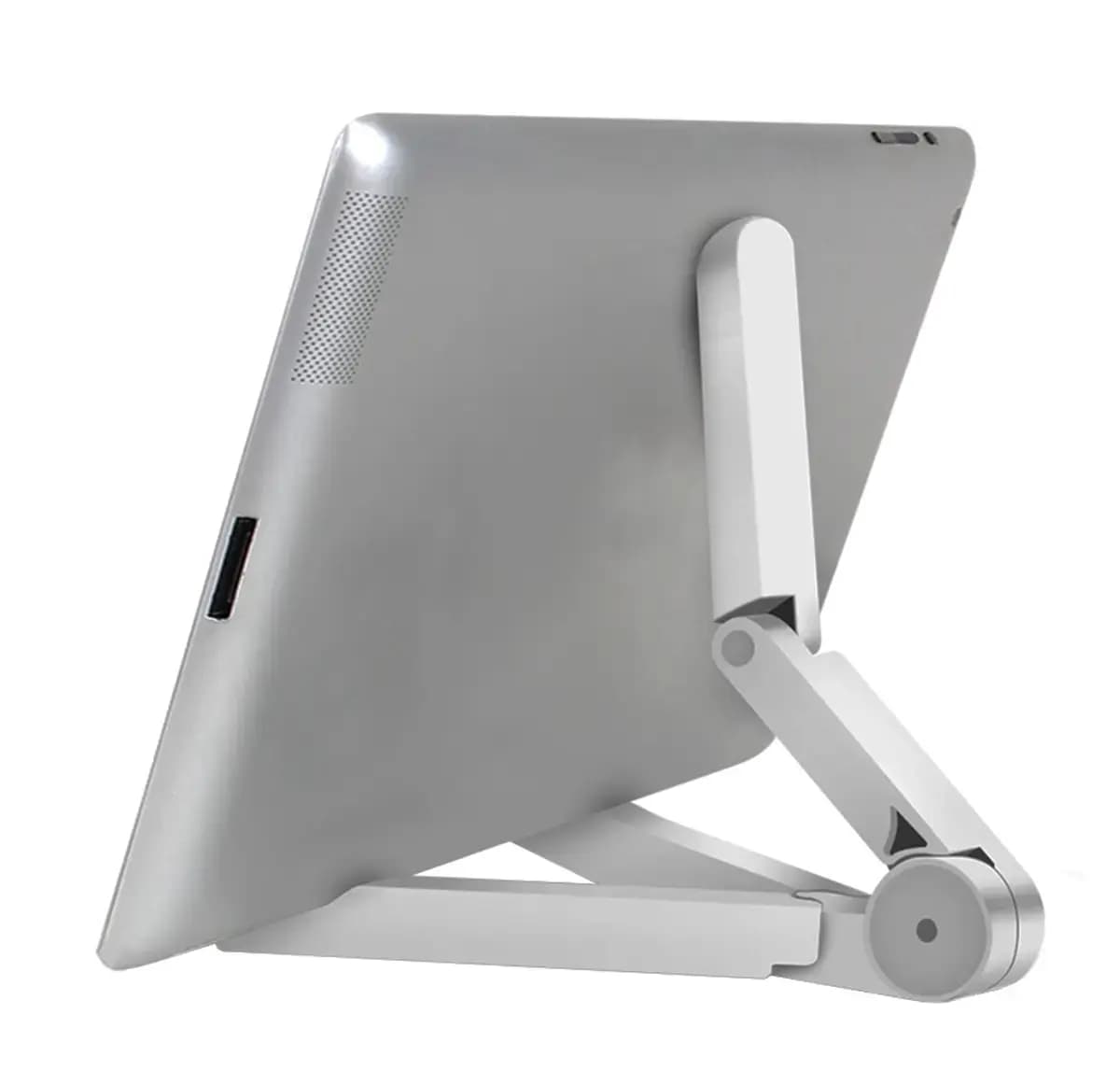
GoodBuyNew
GoodBuy TB1 tablet holder and stand, white
€5In stock
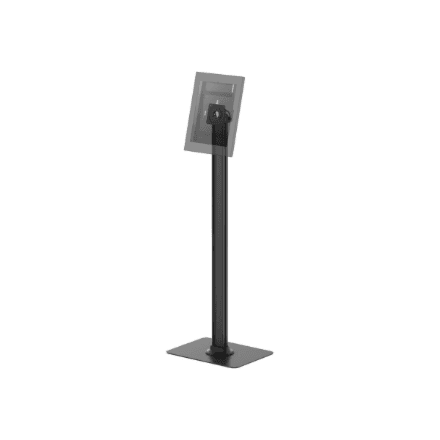
Neomounts
Neomounts FL15-627BL1 device holder, up to 3 kg
€144In stock
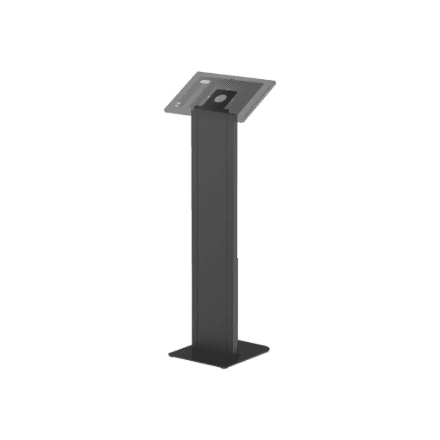
Neomounts
Neomounts FL15-628BL1 device holder, up to 3 kg
€174In stock

Neomounts
Neomounts WL15-625WH1 device holder, 7.9–11″, up to 1 kg
€32In stock
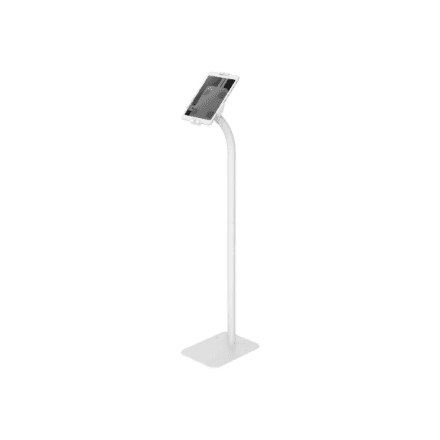
Neomounts
Neomounts FL15-625WH1 device holder, 7.9–11″, up to 1 kg
€126In stock
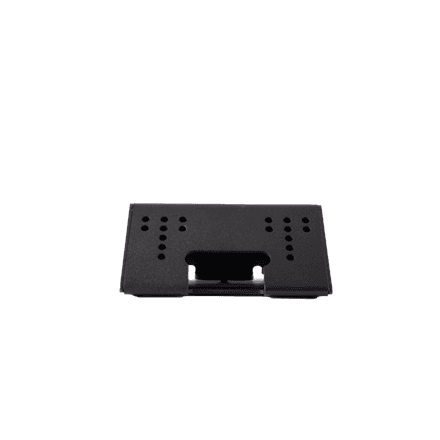
ProDVX
ProDVX 8086100 device holder, 7–10″
€48In stock
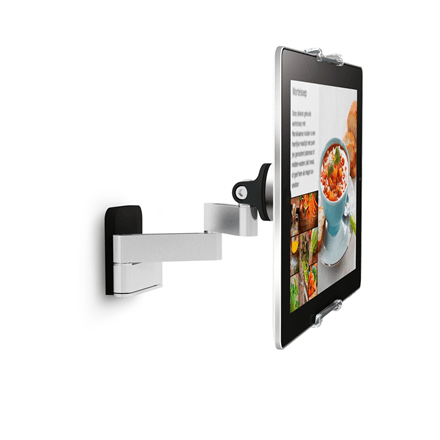
Vogels
Vogels 8371030 device holder, 7–13″, up to 2 kg
€85In stock
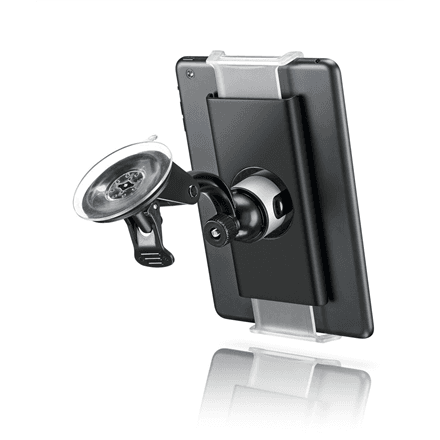
Vogels
Vogels 8371500 device holder, 7–13″, up to 1 kg
€44In stock
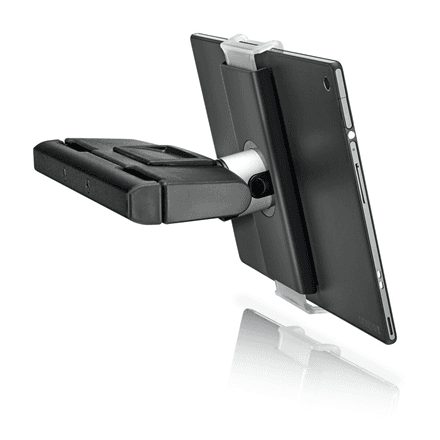
Vogels
Vogels 8371020 device holder, 7–13″, up to 1 kg
€62In stock
How to choose a tablet holder
- Where it goes. A floor stand suits a reception desk, shop or trade fair, where the tablet works as an info screen or check-in point. A wall holder keeps it in the kitchen or as a smart-home panel; a car mount brings the screen to the back seat or the dashboard.
- Screen size. Each holder lists its size range in the description — most take 7–13″ tablets, some stands are built for a narrower range (9.7–11″, for example).
- Rotate and tilt. A rotating holder turns the tablet between portrait and landscape; tilt cuts down glare.
- Flexible arm. A clamp-on flexible holder grips a desk, bed or exercise machine and puts the screen where a normal stand cannot reach.
Related categories
See also tablets, tablet cases and monitor mounts.
Frequently asked questions
Will it hold a tablet in a case? That depends on the case: the grip limits are in the product description, and a thick protective case may exceed them.
Do I need to drill for a wall holder? Not always — Vogel's TMS 1010, for example, sticks to the wall with an adhesive disc.
Does the holder charge the tablet? No, these holders are mechanical; the charging cable is connected separately.