
Monitor mounts
Monitor mounts for desk and wall — clamp and gas-spring arms, monitor lifts and risers for one to six screens. The desk stays clear and the screen comes up to eye level.
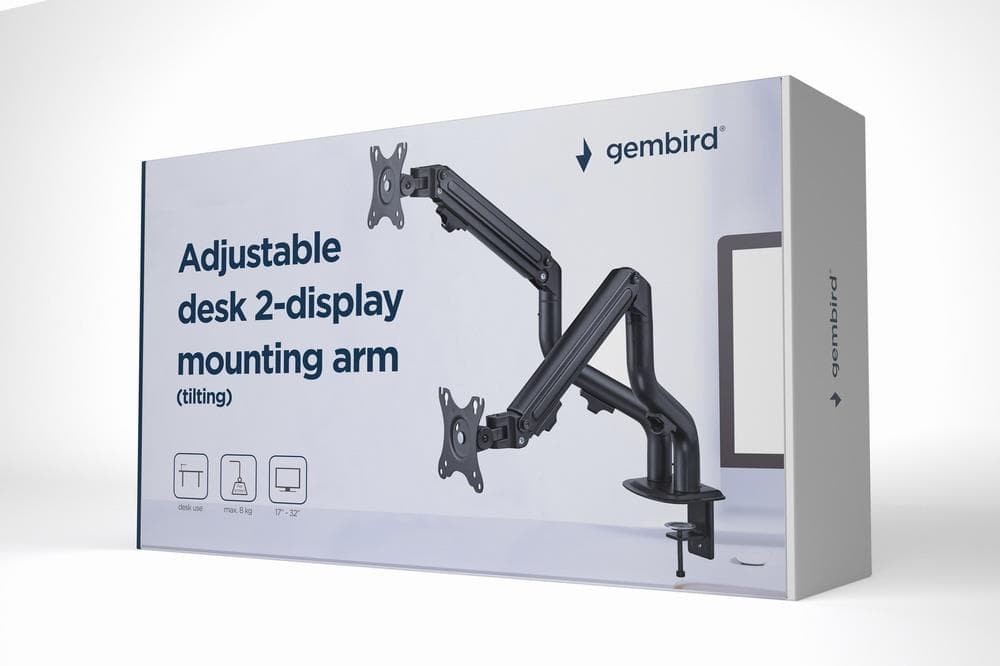
Gembird MA-DA2-02 dual monitor desk mount, 17–32″, 8 kg per screen
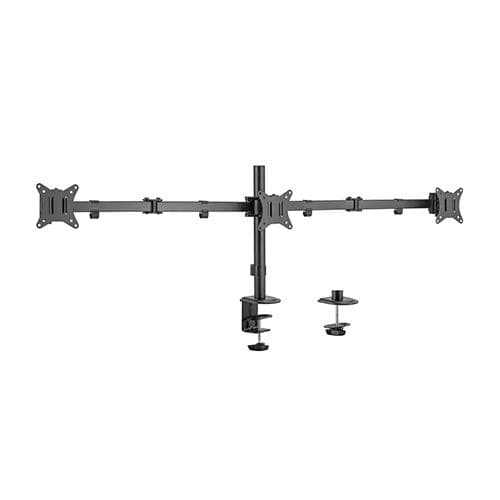
Gembird MA-D3-01 multi-monitor desk mount, 17–27″, 7 kg per screen
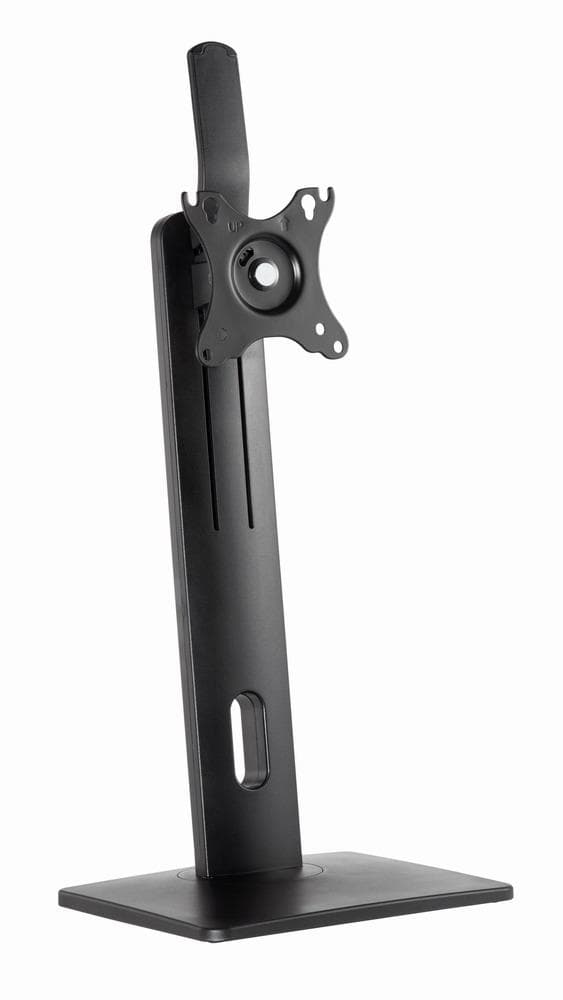
Gembird MS-D1-01 monitor stand, 17–32″, 7 kg
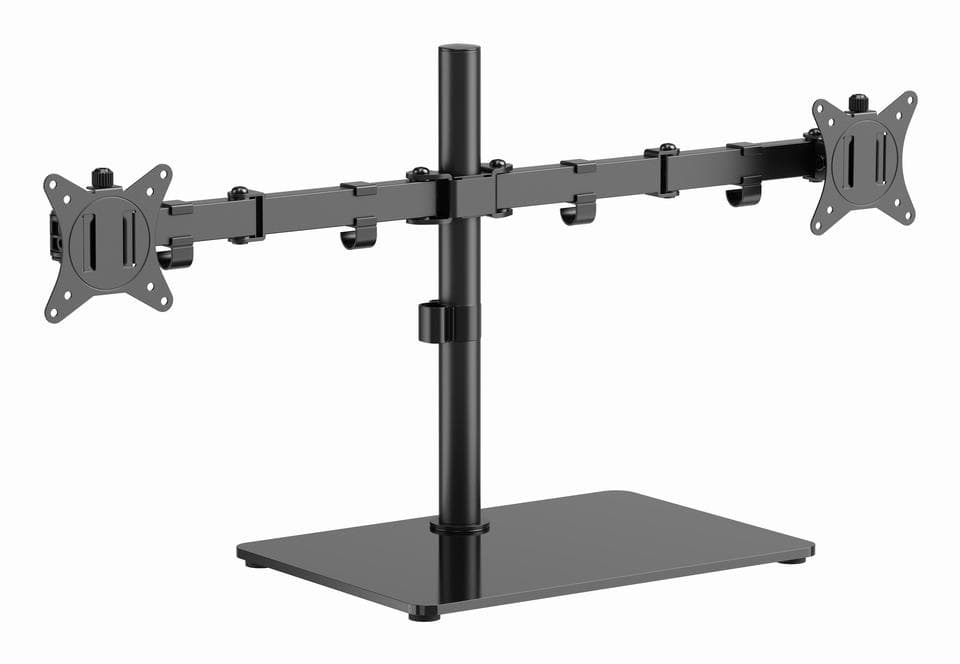
Gembird MS-D2ST-01 dual monitor stand, 17–32″, glass base
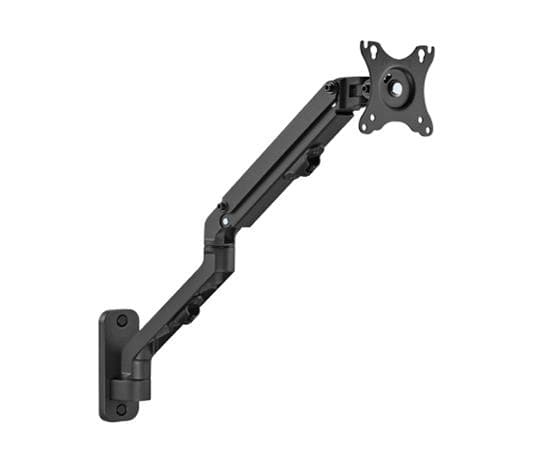
Gembird MA-WA1-02 monitor wall mount, 17–27″, 7 kg
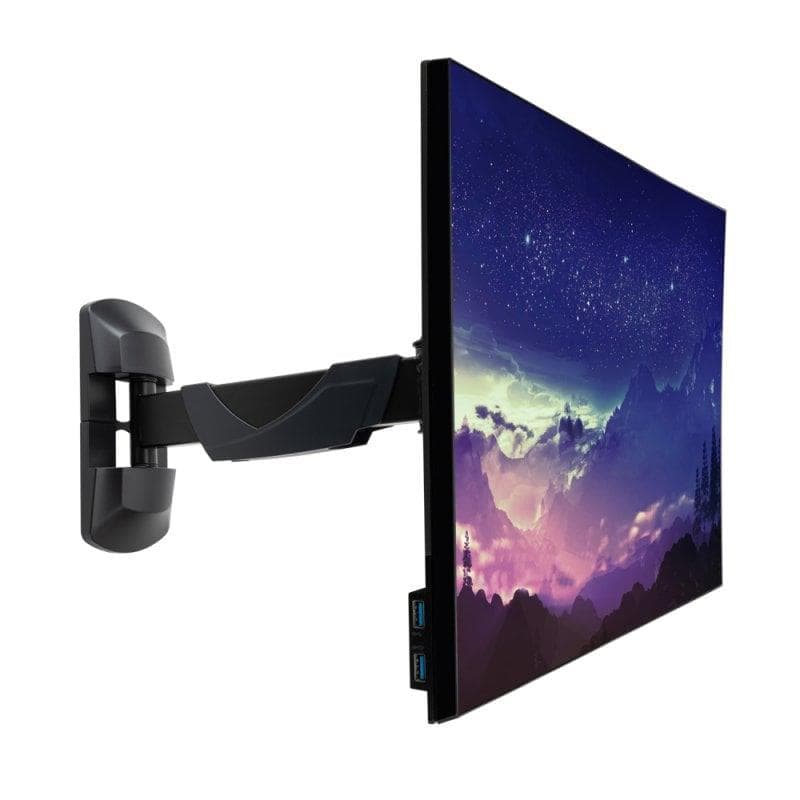
Lindy 40713 monitor wall mount, 10–26″, 20 kg, articulating arm
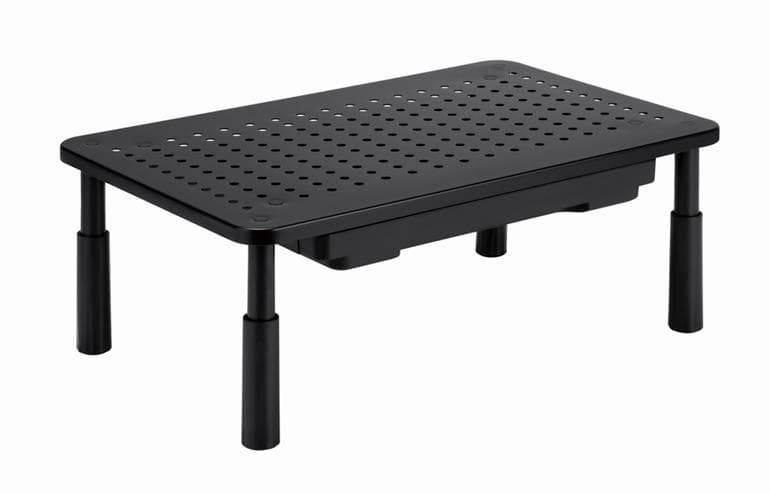
Gembird MS-TABLE-D-01 monitor and laptop riser, 20 kg, with drawer
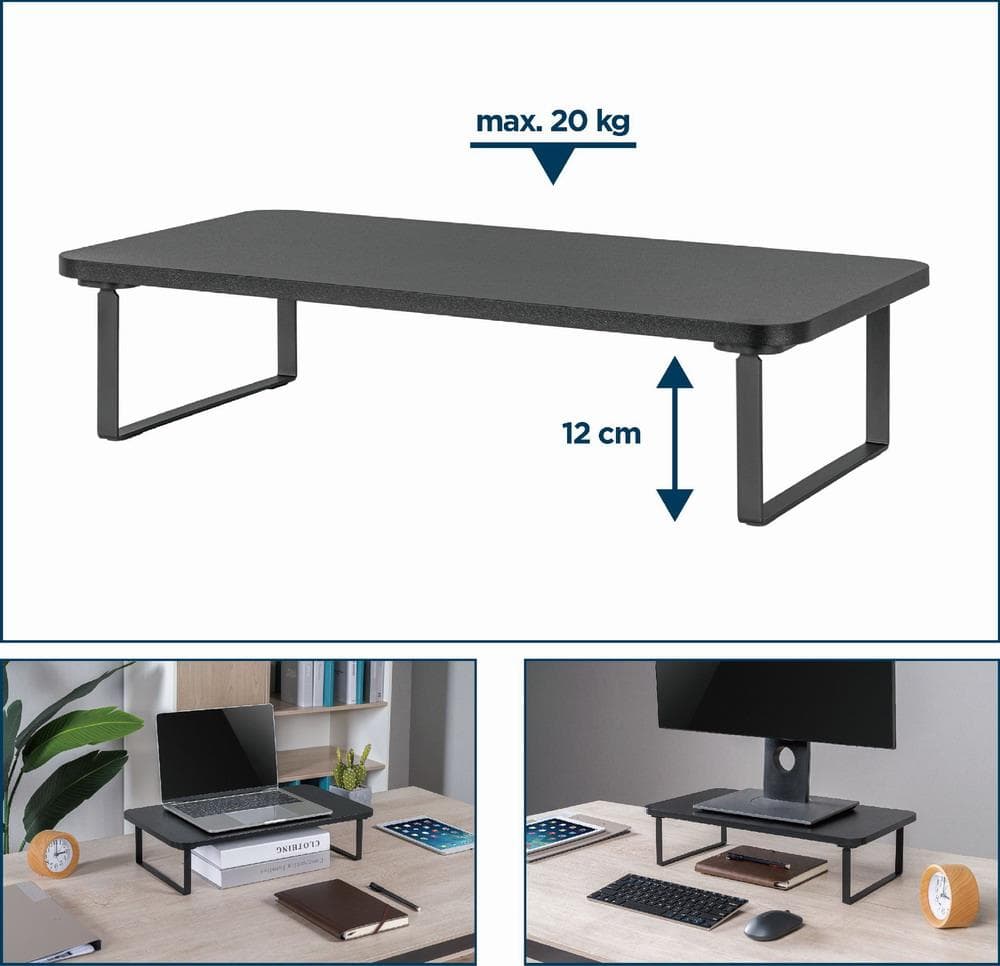
Gembird MS-TABLE-03 monitor and laptop riser, 20 kg, black
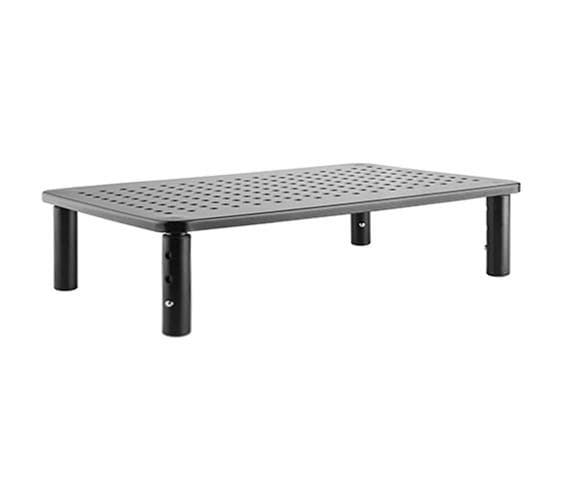
Gembird MS-TABLE-01 monitor and laptop riser, 20 kg, 3 height settings
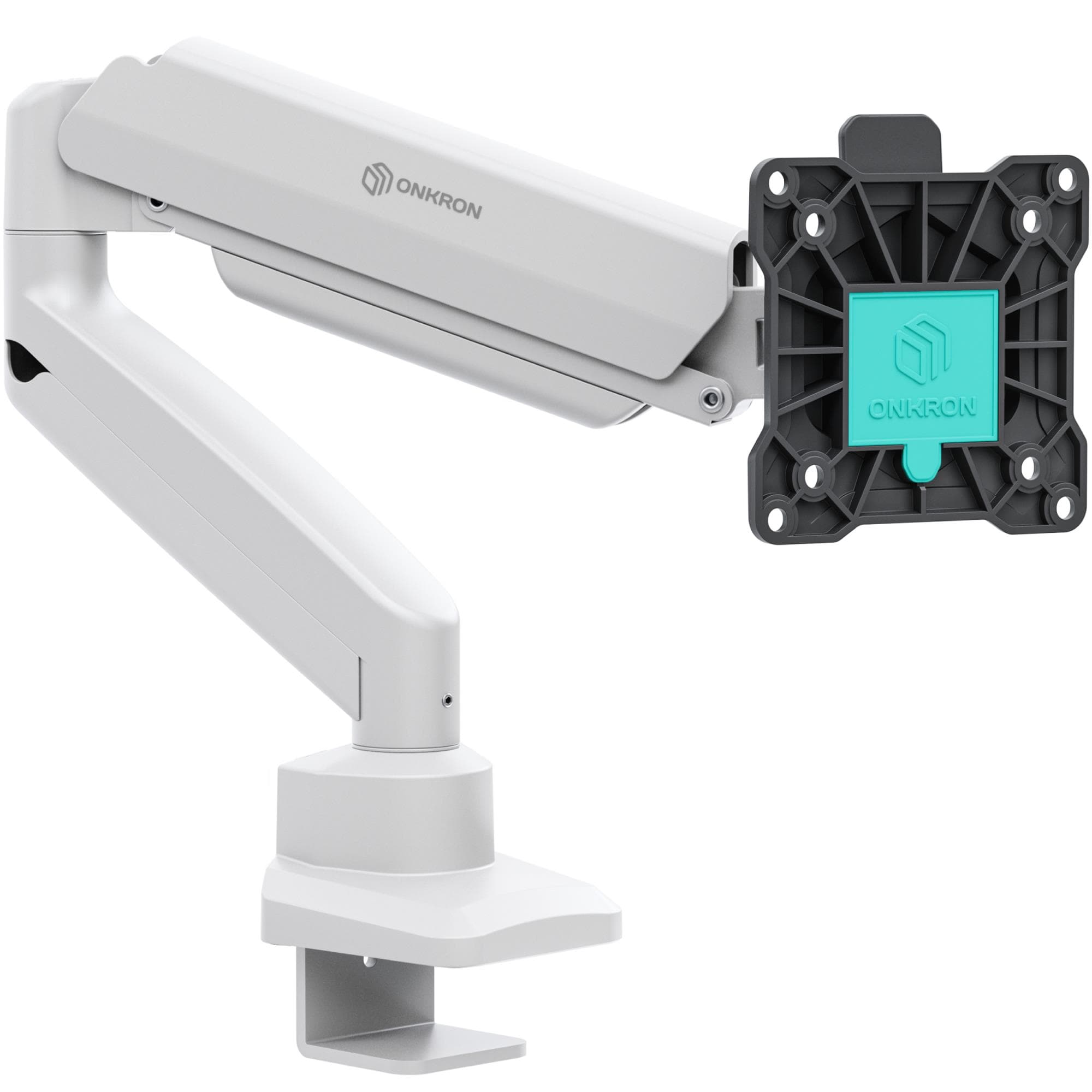
Onkron G80-BW monitor desk mount, 13–32″, 22.1 kg, black/white
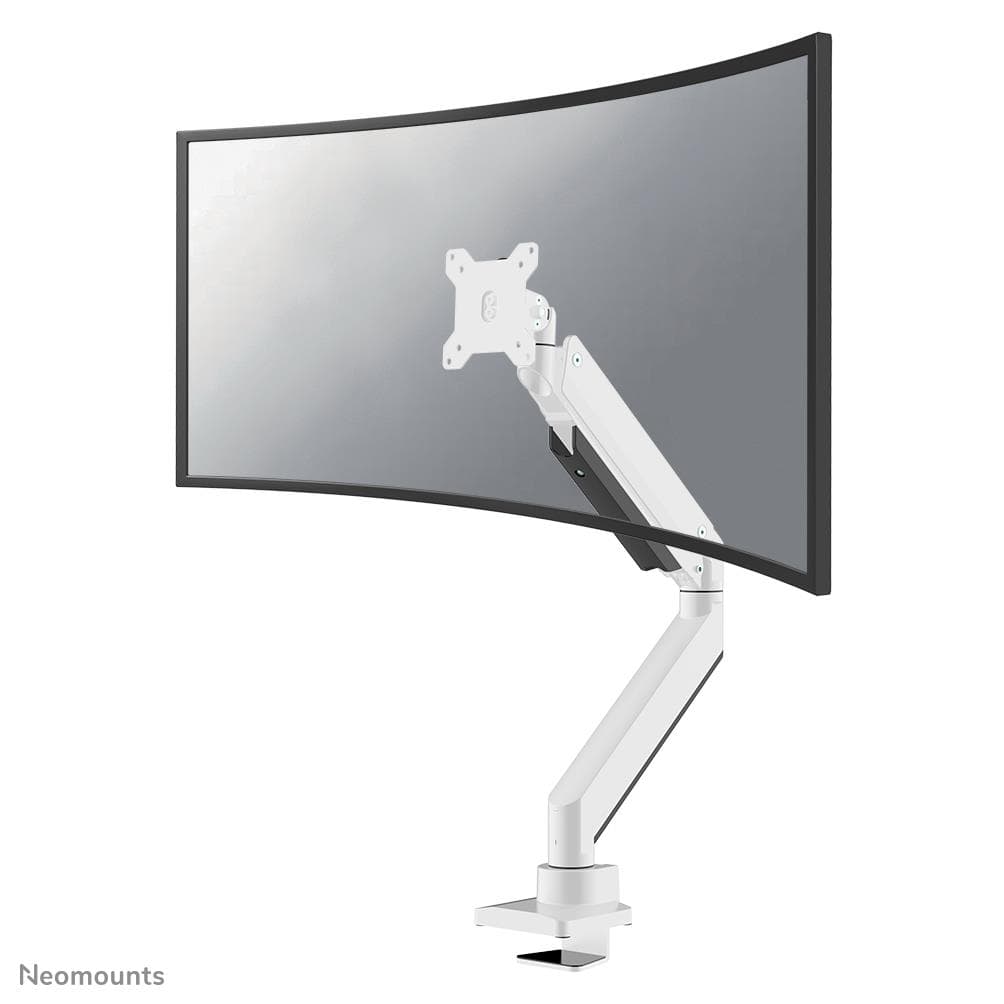
Neomounts NM-D775WHITEPLUS monitor arm, 10–49″, 18 kg, white
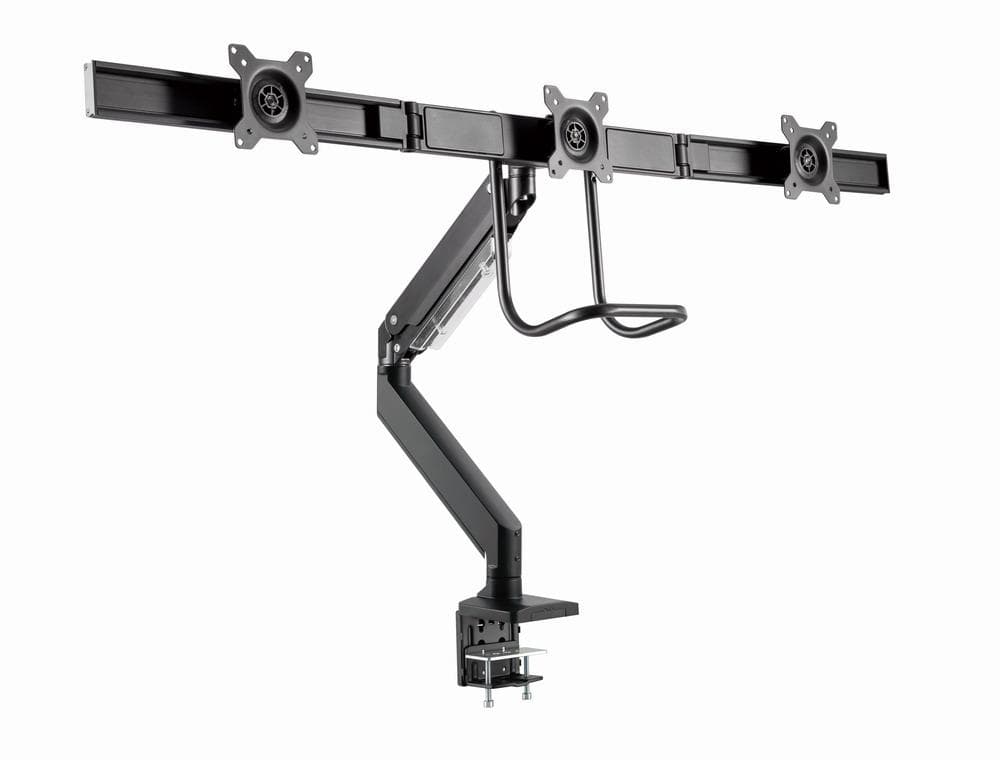
Gembird MA-DA3-03 triple monitor desk mount, 17–27″, gas spring
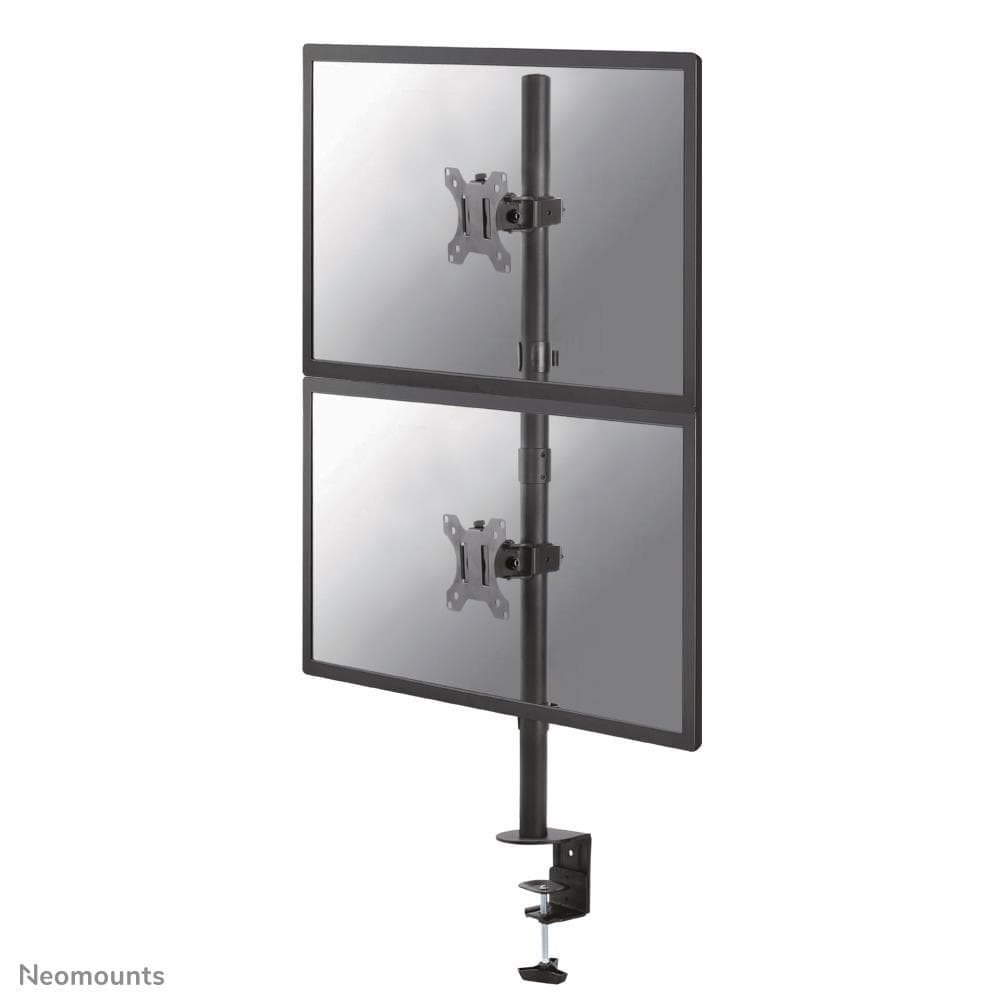
Neomounts FPMA-D550DVBLACK dual monitor desk mount, 10–32″, stacked
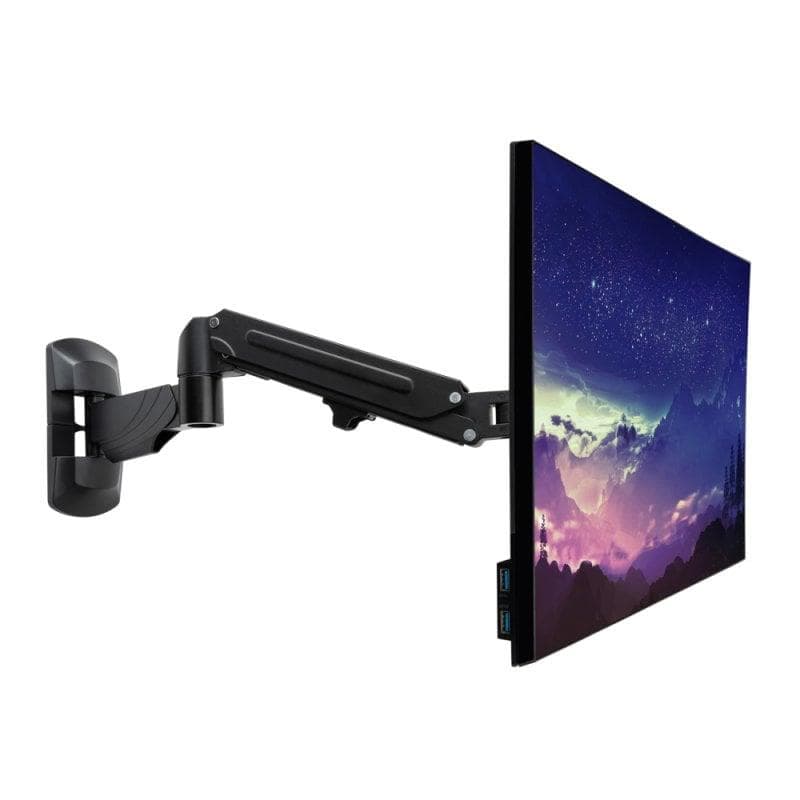
Lindy 40712 monitor wall mount, 13–32″, 9 kg, gas spring
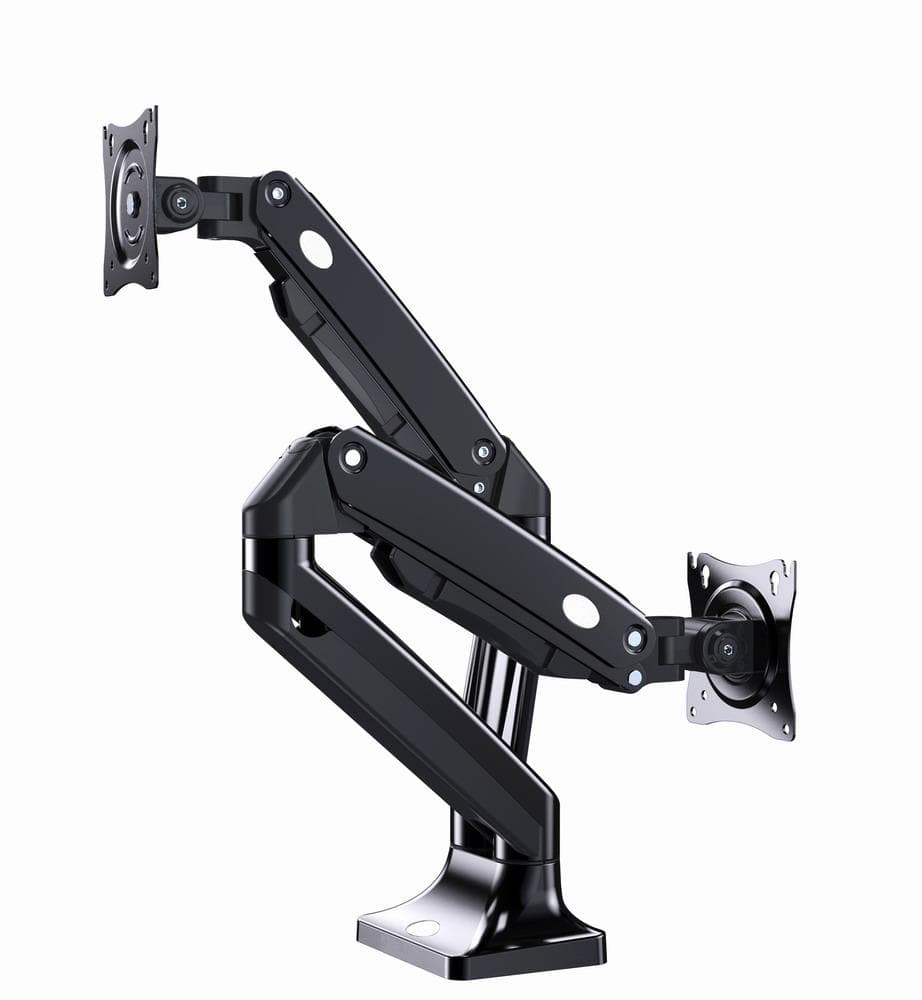
Gembird MA-DA2-03 dual monitor desk mount, 17–35″, 10 kg per screen
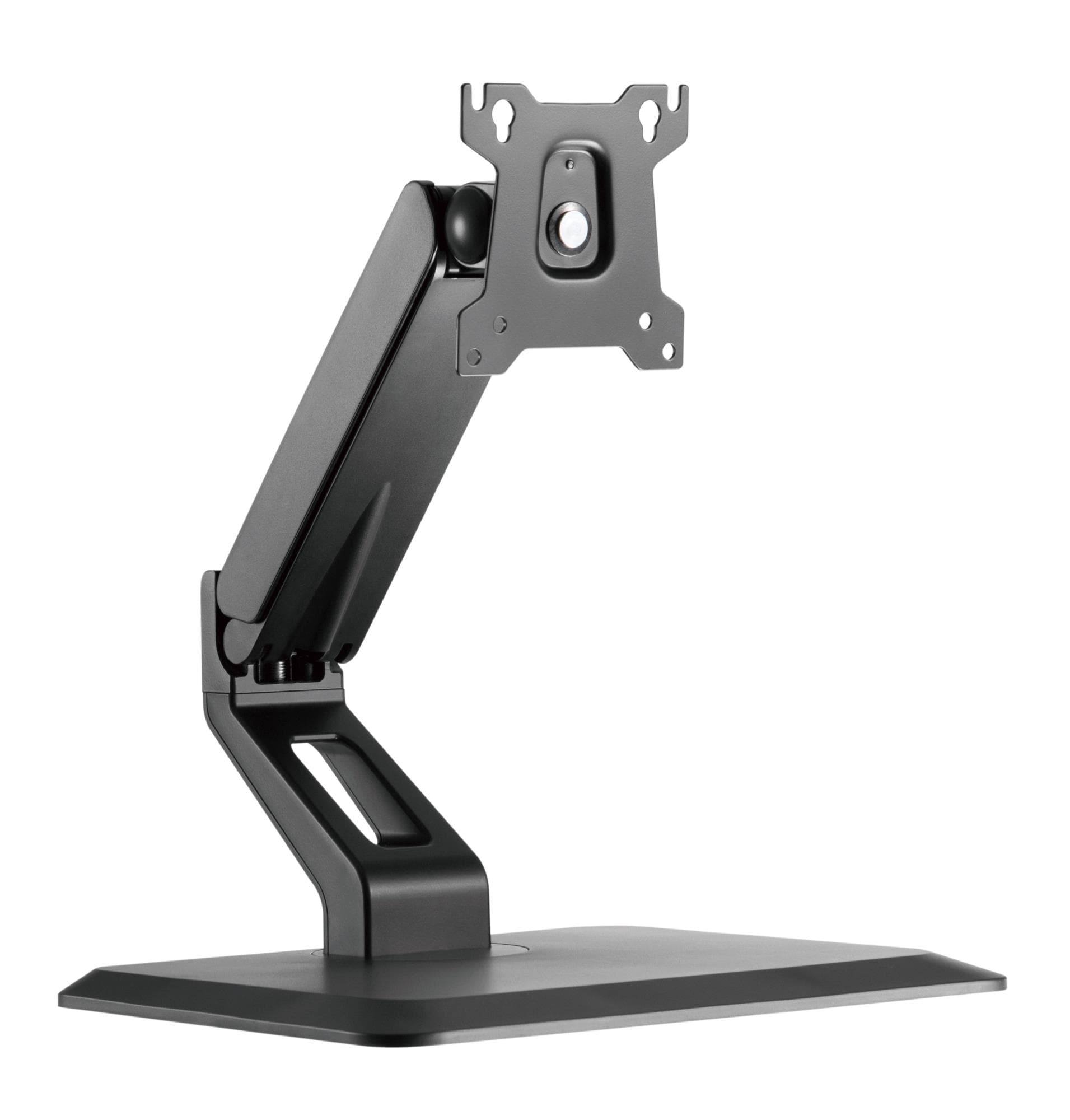
Gembird MS-D1ST-01 monitor stand, 17–32″, 10 kg
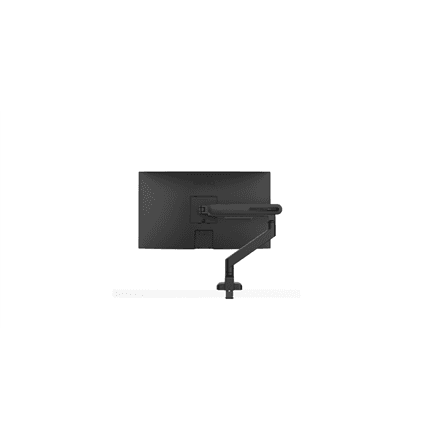
BenQ Ergo BSL01 monitor arm, 17–40″, 11 kg
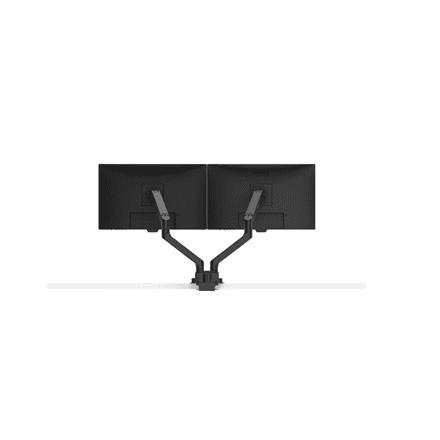
BenQ Ergo BDH01 dual monitor desk mount, up to 35″, 20 kg
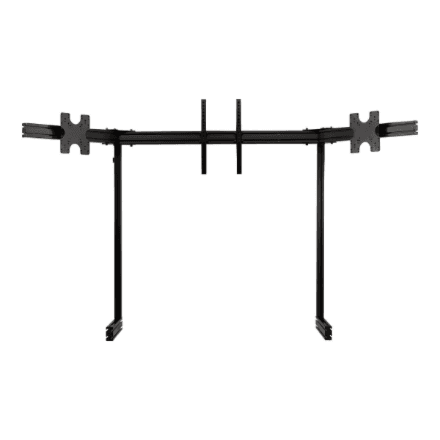
Next Level Racing ELITE NLR-E039 triple monitor add-on stand, 21–43″
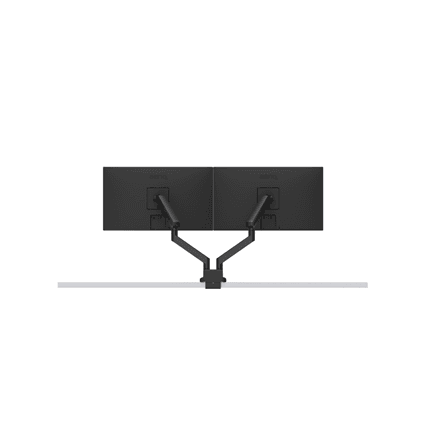
BenQ Ergo BDL01 dual monitor arm, 17–35″, 11 kg
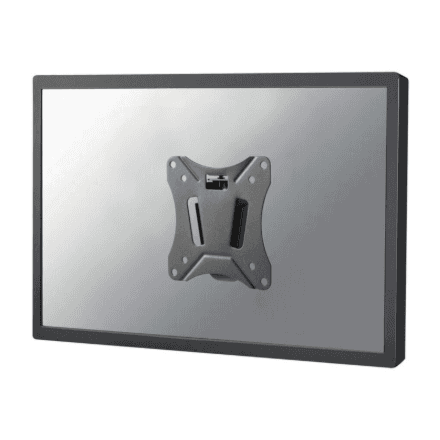
Neomounts NM-W25BLACK monitor/TV wall mount, 10–30″, 25 kg
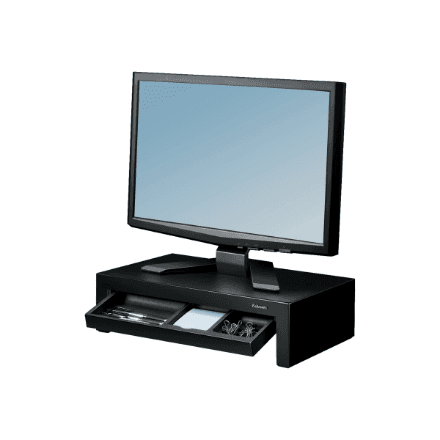
Fellowes Designer Suites monitor riser, adjustable height, black
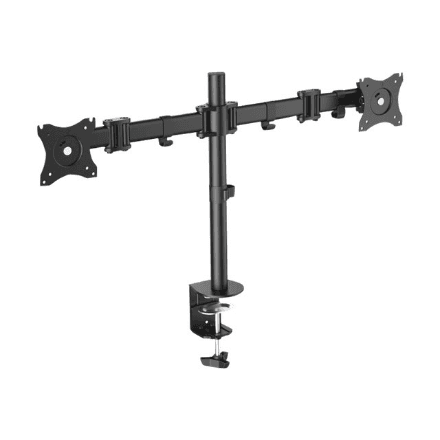
Digitus DA-90349 monitor desk mount, up to 27″, height-adjustable
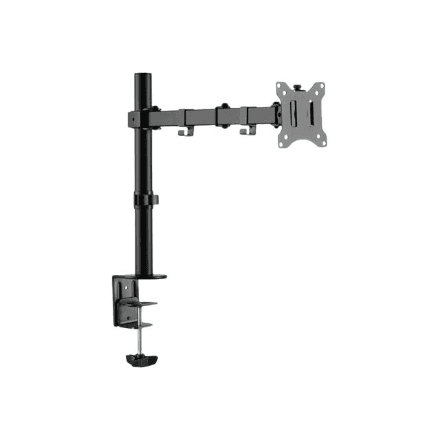
Digitus DA-90399 monitor desk mount, height adjustment, black
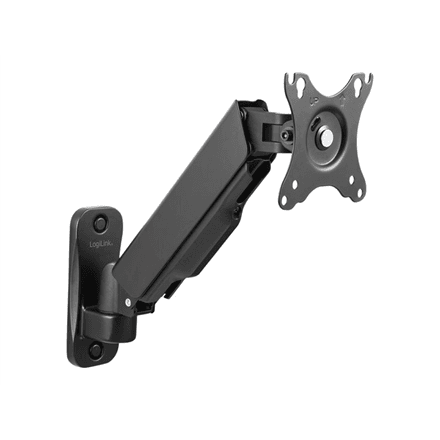
LogiLink BP0144 monitor wall mount, 17–32″, 9 kg, gas spring
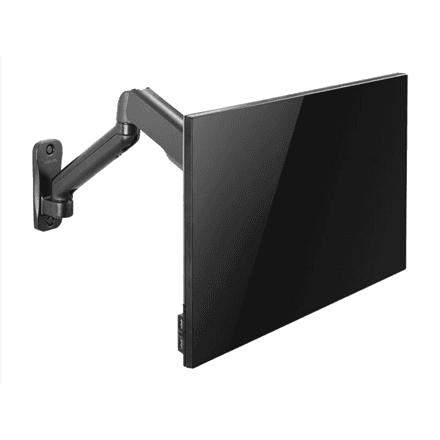
LogiLink BP0145 monitor wall mount, 17–32″, 9 kg, up to 540 mm reach
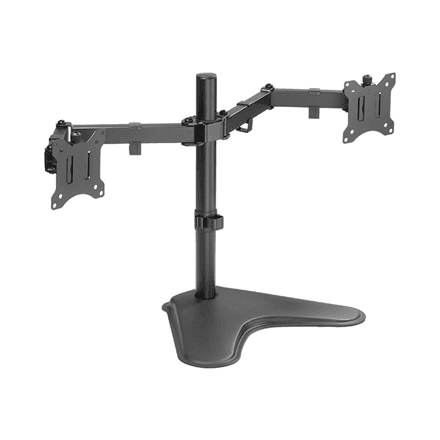
LogiLink BP0099 dual monitor desk mount, 17–32″, 8 kg
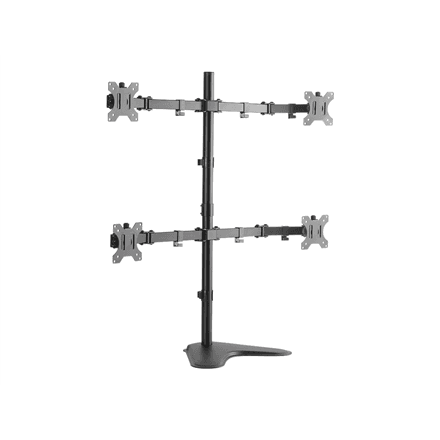
LogiLink BP0046 quad monitor desk stand, 13–32″, 8 kg per arm
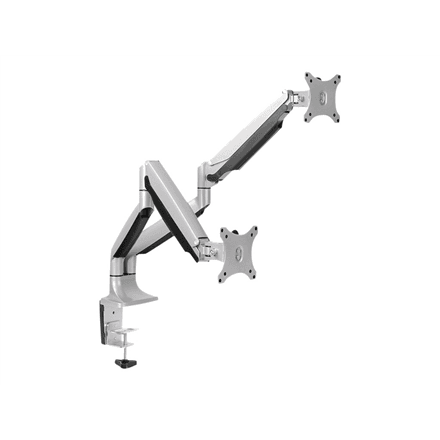
LogiLink BP0043 dual monitor desk mount, 13–32″, gas spring
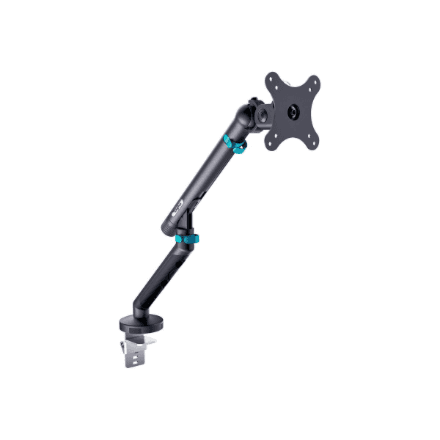
Digitus DA-90469 monitor desk mount, up to 35″, tilt and swivel, up to 10 kg
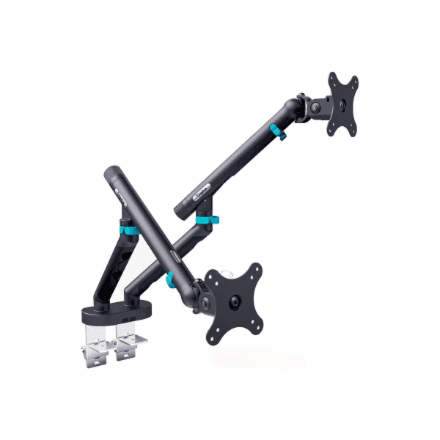
Digitus DA-90471 monitor desk mount, up to 35″, tilt and swivel, up to 20 kg
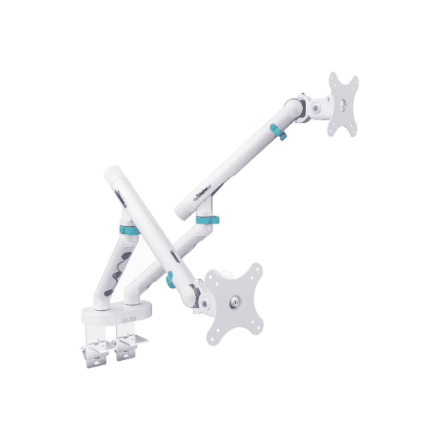
Digitus DA-90472 monitor desk mount, up to 35″, tilt and swivel, up to 20 kg
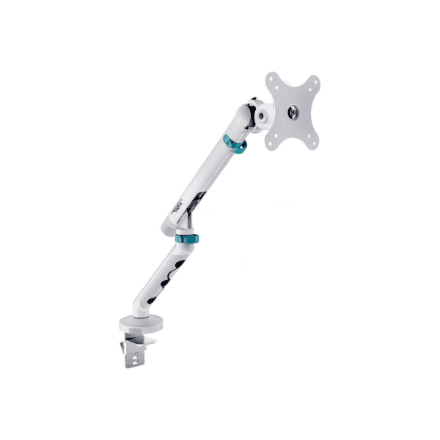
Digitus DA-90470 monitor desk mount, up to 35″, tilt and swivel, up to 10 kg
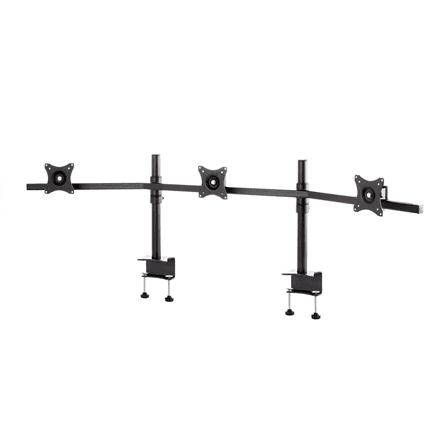
EDBAK WUBI-SV11c-B monitor desk mount, 19–27″, tilting
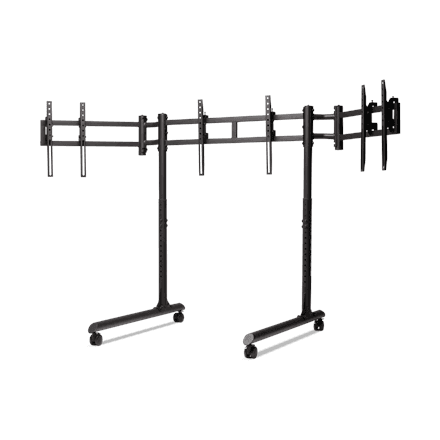
Next Level Racing NLR-R011 monitor floor stand, up to 43″, tilting, up to 50 kg
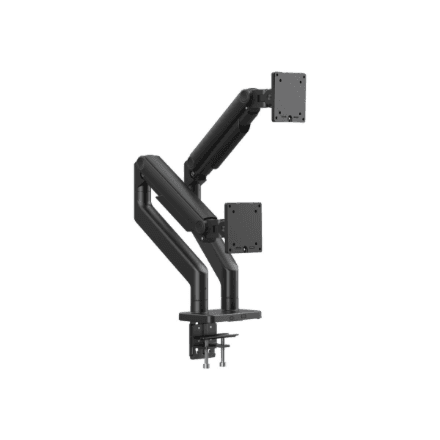
Digitus DA-90474 monitor desk mount, up to 45″, tilt and swivel, up to 20 kg
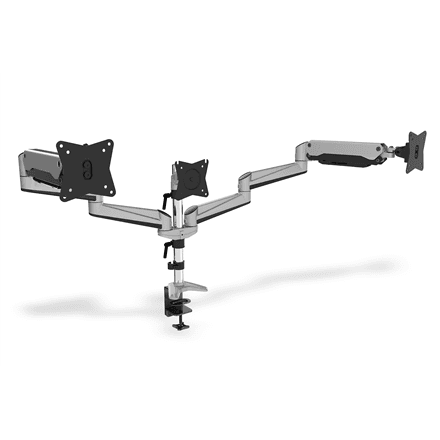
Digitus DA-90363 monitor desk mount, 15–27″, tilt and swivel, up to 6 kg
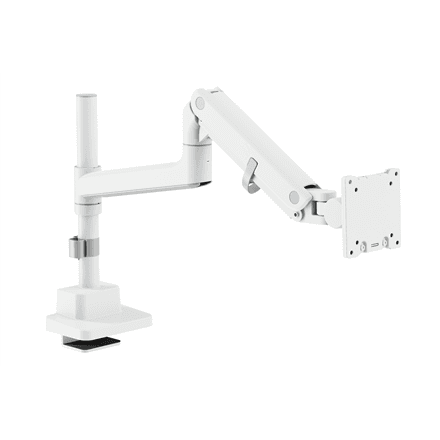
Digitus DA-90476 monitor desk mount, up to 57″, tilt and swivel, up to 27 kg
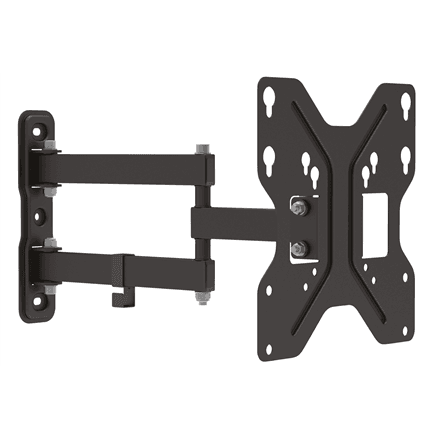
Digitus DA-90357 monitor wall mount, up to 42″, tilting, up to 30 kg
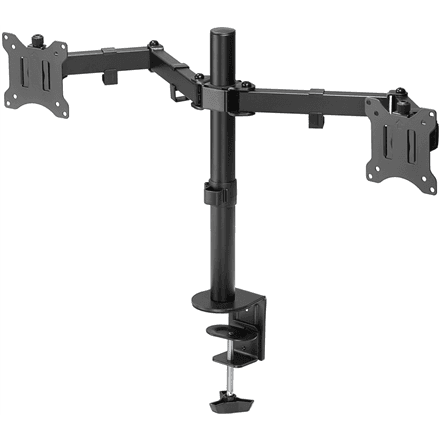
Goobay 58529 monitor desk mount, 17–32″, tilt and swivel, up to 8 kg
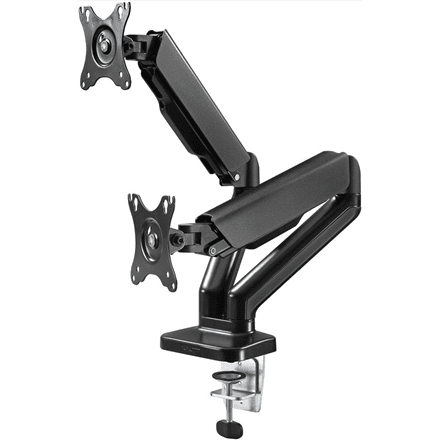
Goobay 58531 monitor desk mount, 17–32″, tilt and swivel, up to 9 kg
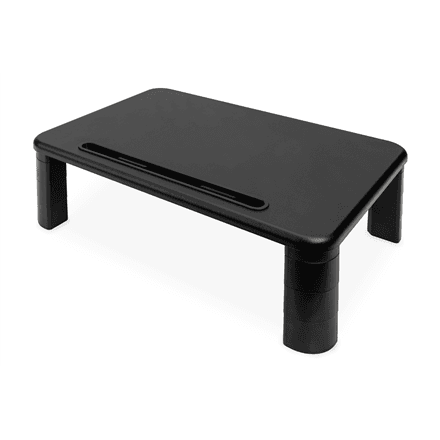
Digitus DA-90458 monitor desk mount, up to 10 kg
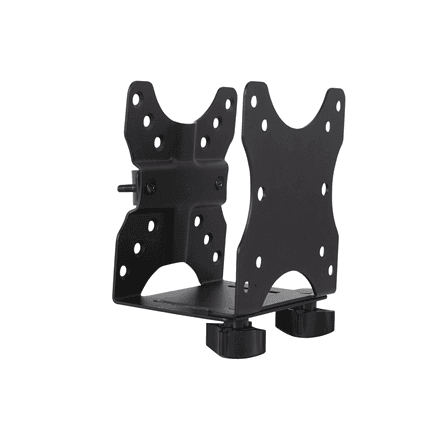
Digitus DA-90360 monitor desk mount, fixed, up to 5 kg
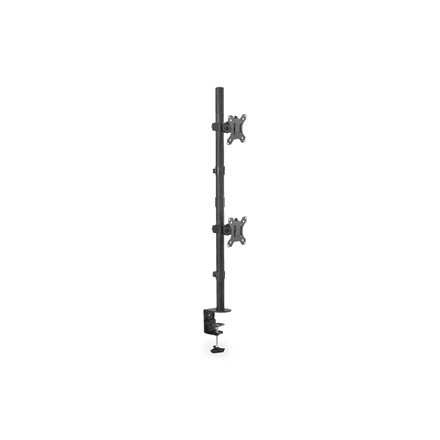
Digitus DA-90438 monitor desk mount, 17–32″, tilt and swivel, up to 8 kg
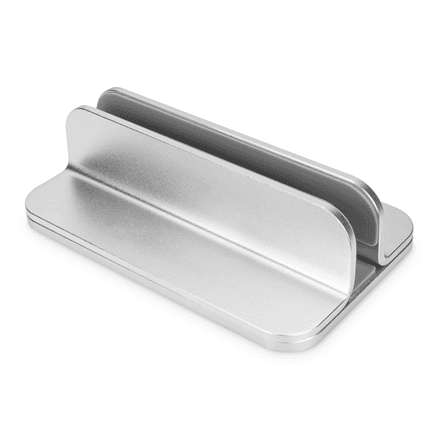
Digitus DA-90439 monitor desk mount, up to 10 kg
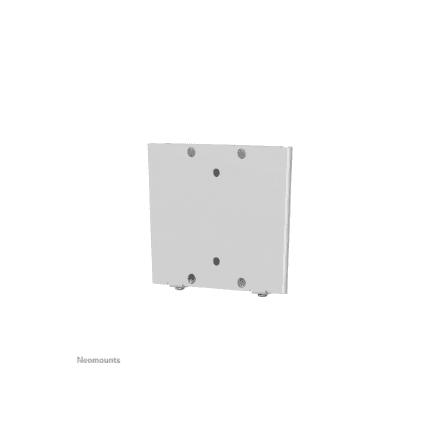
Neomounts FPMA-W25 monitor wall mount, 10–30″, up to 30 kg
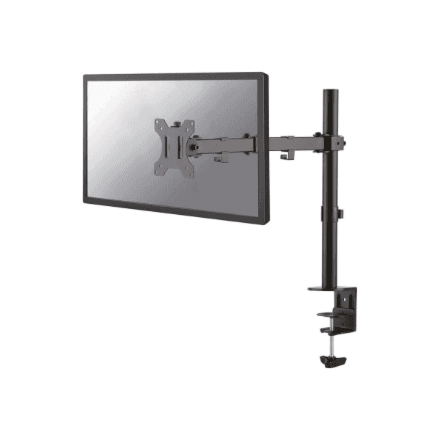
Neomounts FPMA-D550BLACK monitor desk mount, 10–32″, tilt and swivel, up to 8 kg
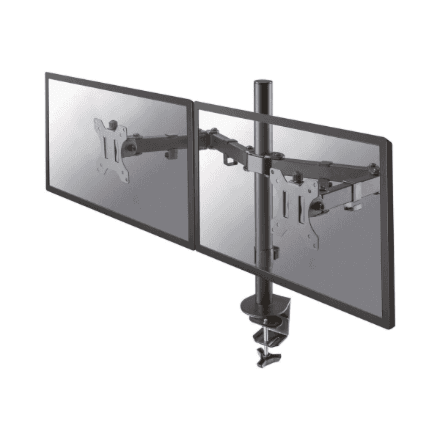
Neomounts FPMA-D550DBLACK monitor desk mount, 10–32″, tilt and swivel, up to 8 kg
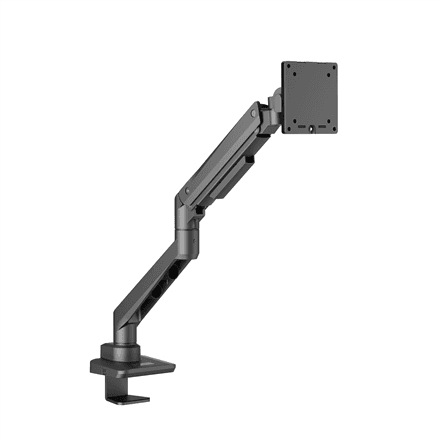
EDBAK DMV01 monitor desk mount, 19–49″, tilting, up to 20 kg
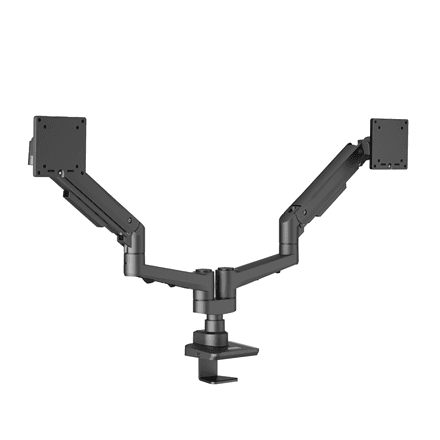
EDBAK DMV02 monitor desk mount, 19–35″, tilting, up to 20 kg
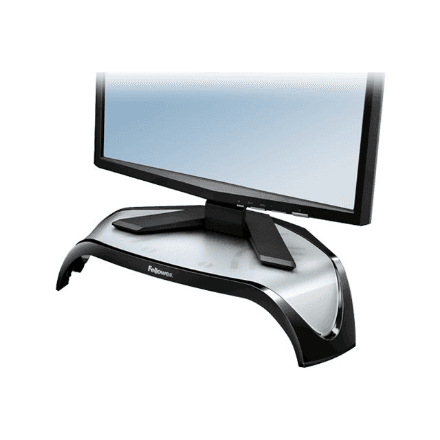
Fellowes 8020101 monitor desk mount, up to 21″, up to 10 kg
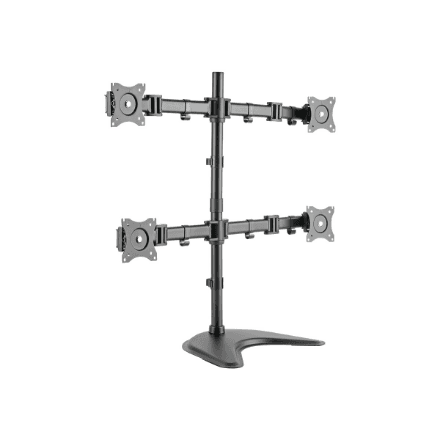
Digitus DA-90364 monitor desk mount, up to 27″, tilt and swivel
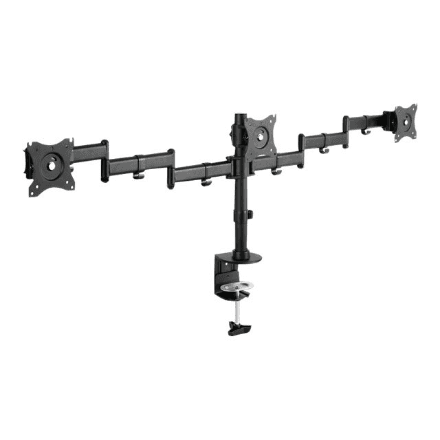
Digitus DA-90362 monitor desk mount, 15–27″, tilt and swivel
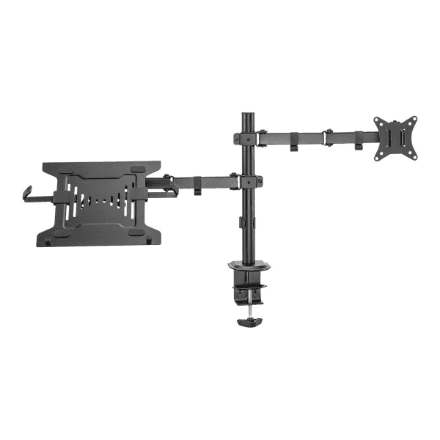
Digitus DA-90436 monitor desk mount, up to 32″, tilt and swivel, up to 9 kg
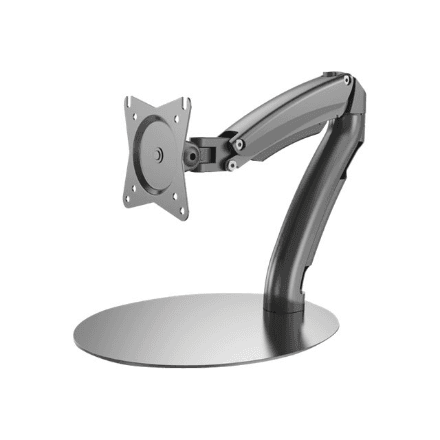
Digitus DA-90365 monitor desk mount, up to 27″, tilt and swivel
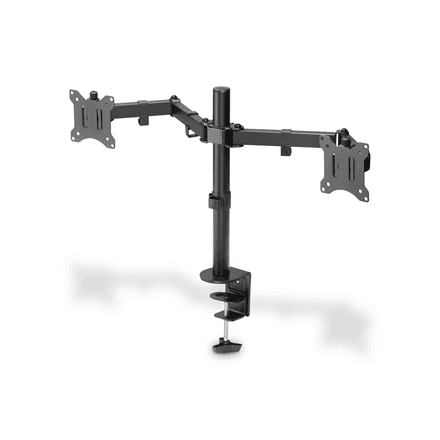
Digitus DA-90400 monitor desk mount, 15–32″, swivel, up to 8 kg
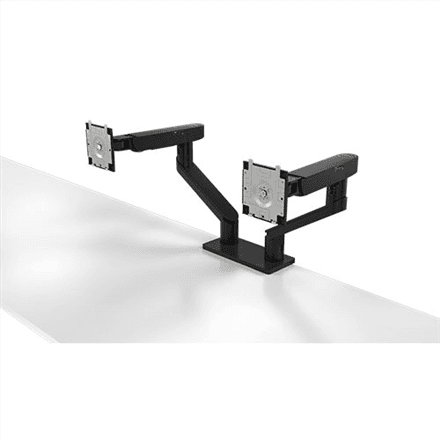
Dell MDA20 monitor desk mount, 19–27″, tilt and swivel, up to 10 kg
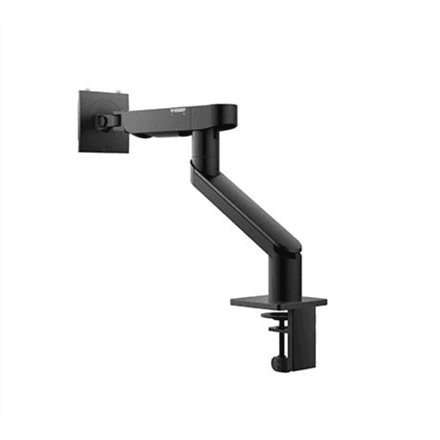
Dell MSA20 monitor desk mount, 19–38″, tilt and swivel, up to 10 kg
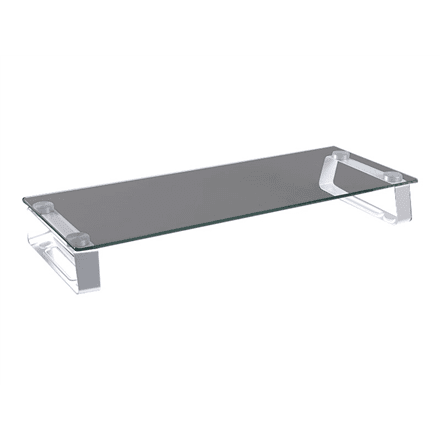
Logilink BP0027 monitor desk mount
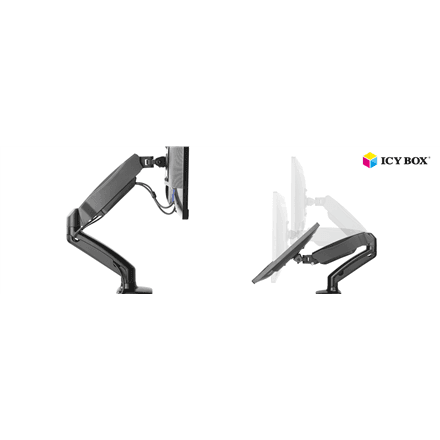
Raidsonic IB-MS303-T monitor desk mount, up to 27″
How to choose a monitor mount
- Mounting. A desk clamp is the common choice and needs no drilling; a grommet mount uses the cable hole in the desktop; a wall mount clears the desk entirely.
- Arm or riser. An articulated arm lifts the screen above the desk and frees the surface. A monitor riser lifts it a few centimetres and leaves room underneath for a keyboard or papers — no clamp and no VESA holes needed.
- Number of screens. Dual and triple arms put all of that weight on one spot — check the thickness and overhang of your desk.
- VESA and weight. Most monitors use the 100 × 100 mm pattern, larger ones 200 × 100 mm. The load rating is PER SCREEN.
- Motion. A gas spring holds the screen at any height and moves with one finger; a rigid bracket costs less and stays put.
Related categories
See also monitors, TV mounts, laptop stands and tablet holders.
Frequently asked questions
Will a mount fit a curved monitor? Yes, as long as the VESA pattern and the weight are within range — the curve itself makes no difference.
My monitor has no VESA holes — now what? An arm needs a VESA pattern. Without one, go for a riser or shelf: it does not depend on mounting holes.
How many screens per arm? Check the "Displays supported" field: that is the manufacturer's maximum, not a recommendation.
Are screws included? A set of VESA screws is normally in the box; exceptions are noted in the product description.