
M.2 SSD
M.2 SSDs to speed up your PC and laptop — fast NVMe drives from Samsung, Kingston and WD. High capacity and speed, delivery across Estonia.
SanDiskNew
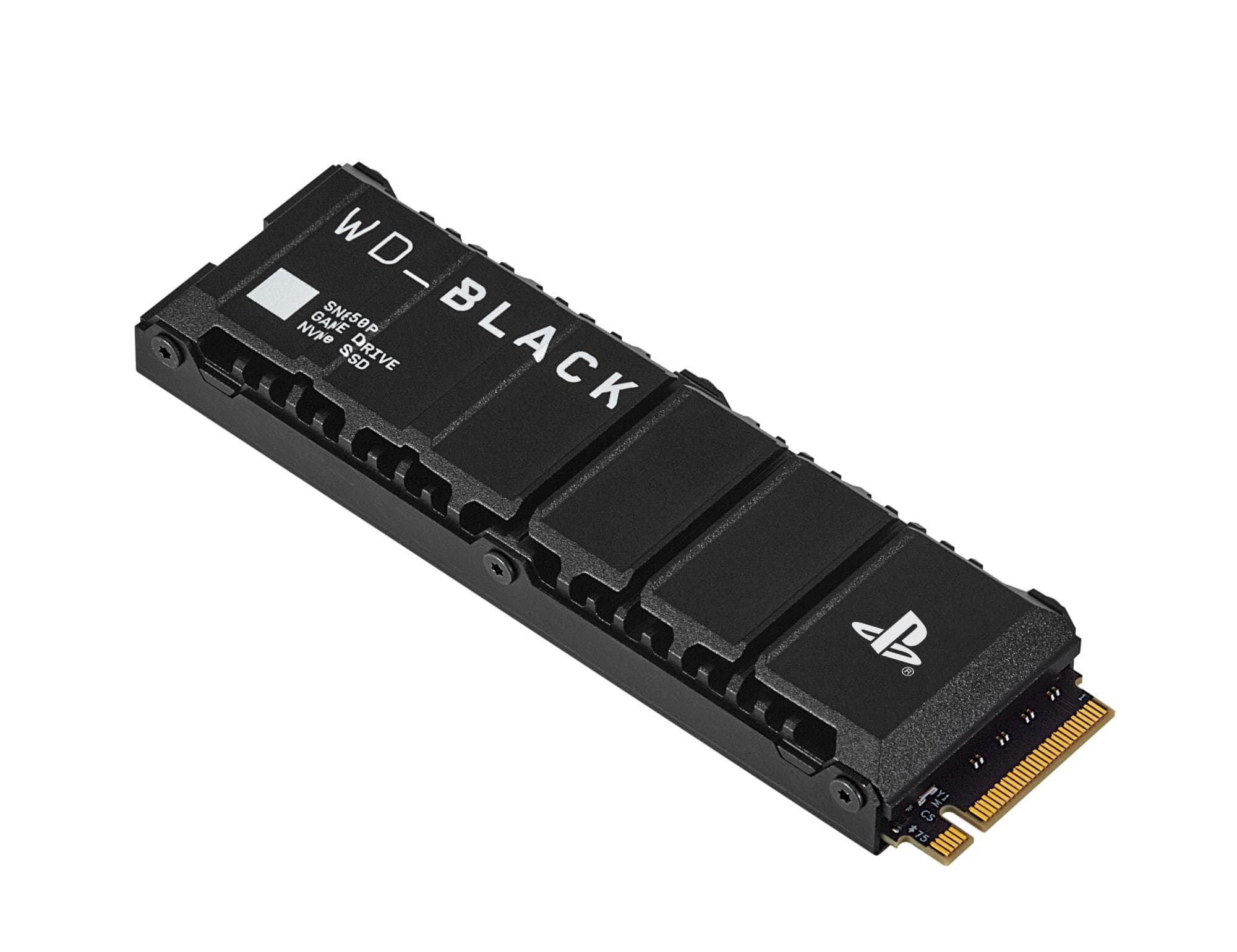
SanDisk WD_BLACK SN850P M.2 NVMe SSD for PS5, 1 TB, with heatsink
€305In stock
SanDiskNew
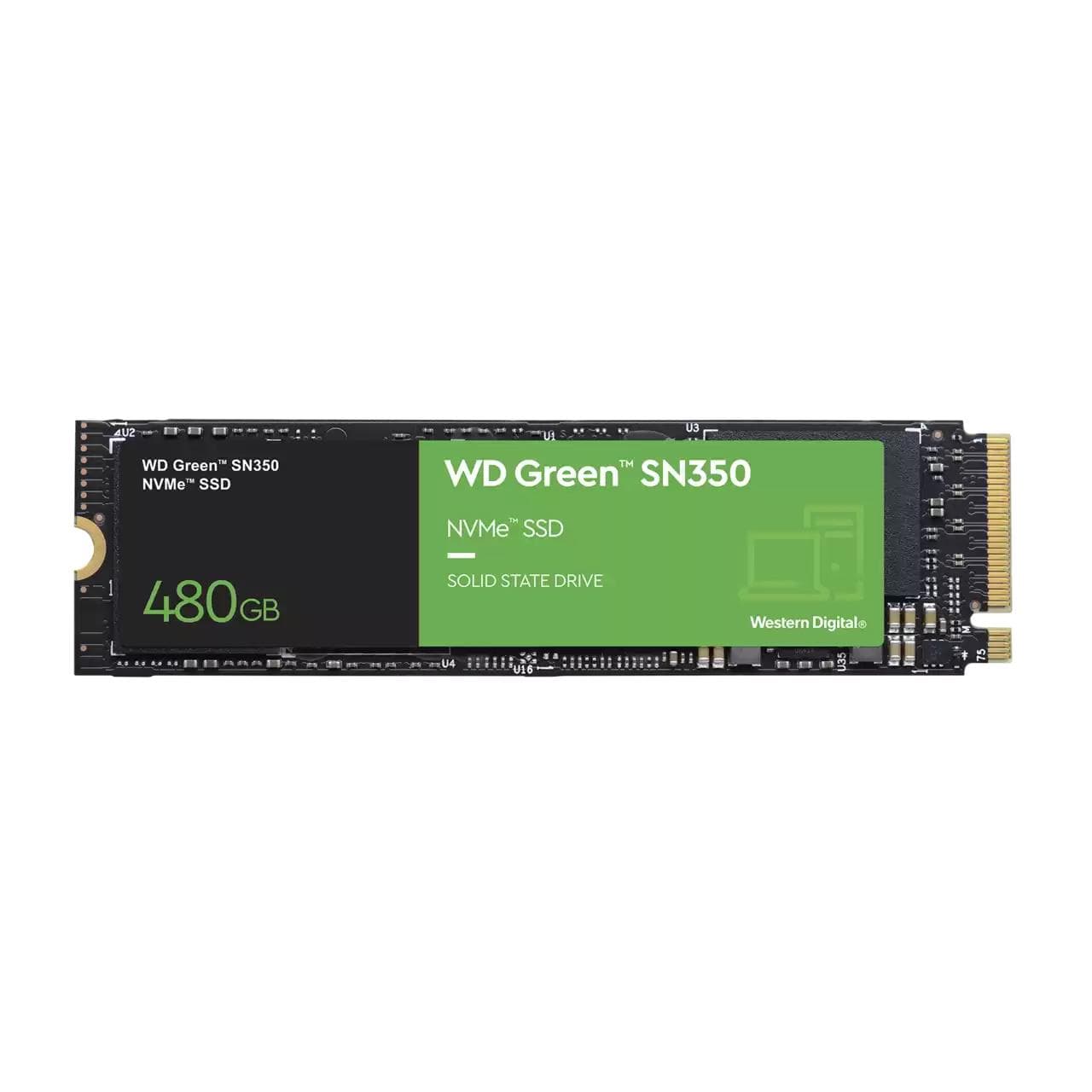
SanDisk WD Green SN350 M.2 NVMe SSD, 480 GB, PCIe 3.0
€161In stock
MSINew
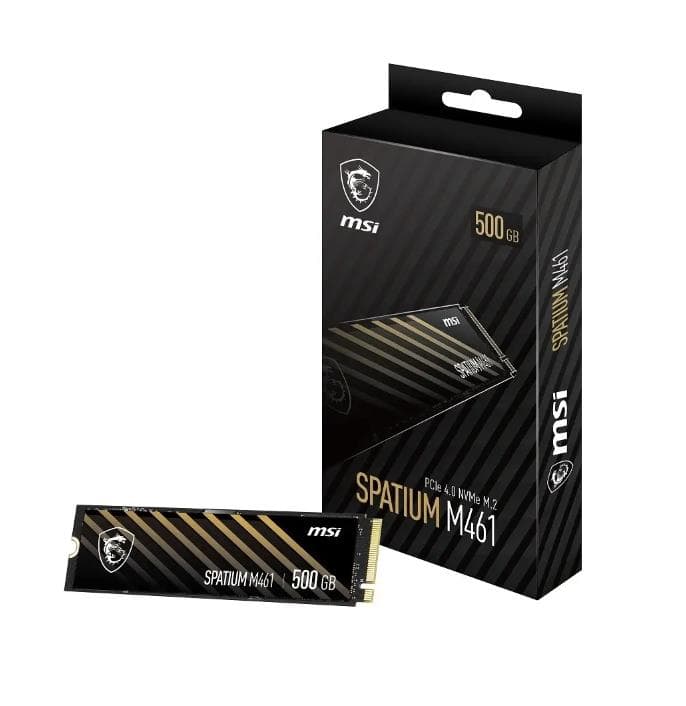
MSI SPATIUM M461 M.2 NVMe SSD, 500 GB, PCIe 4.0
€131In stock
IntensoNew
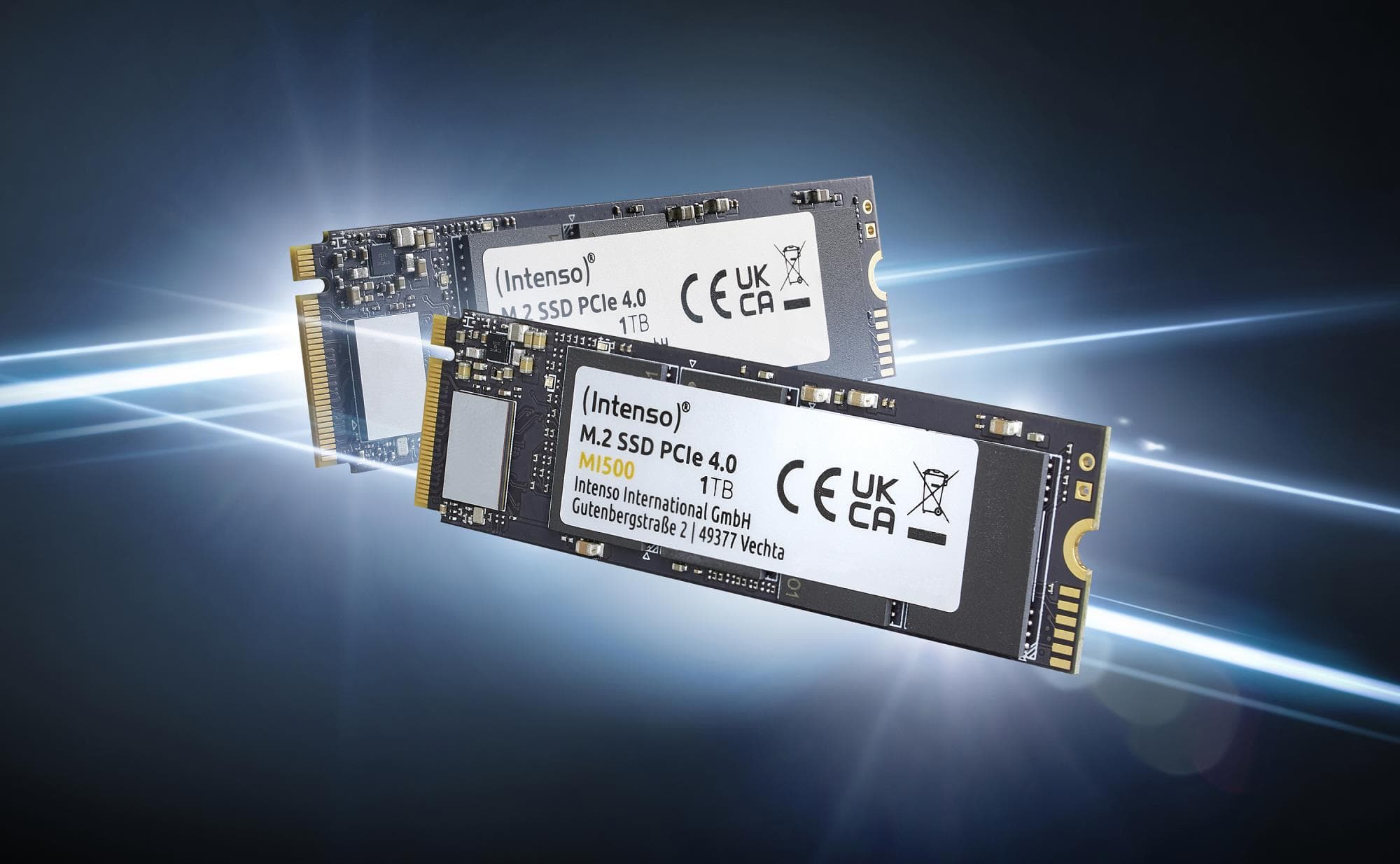
Intenso MI500 M.2 NVMe SSD, 500 GB, PCIe 4.0
€128In stock
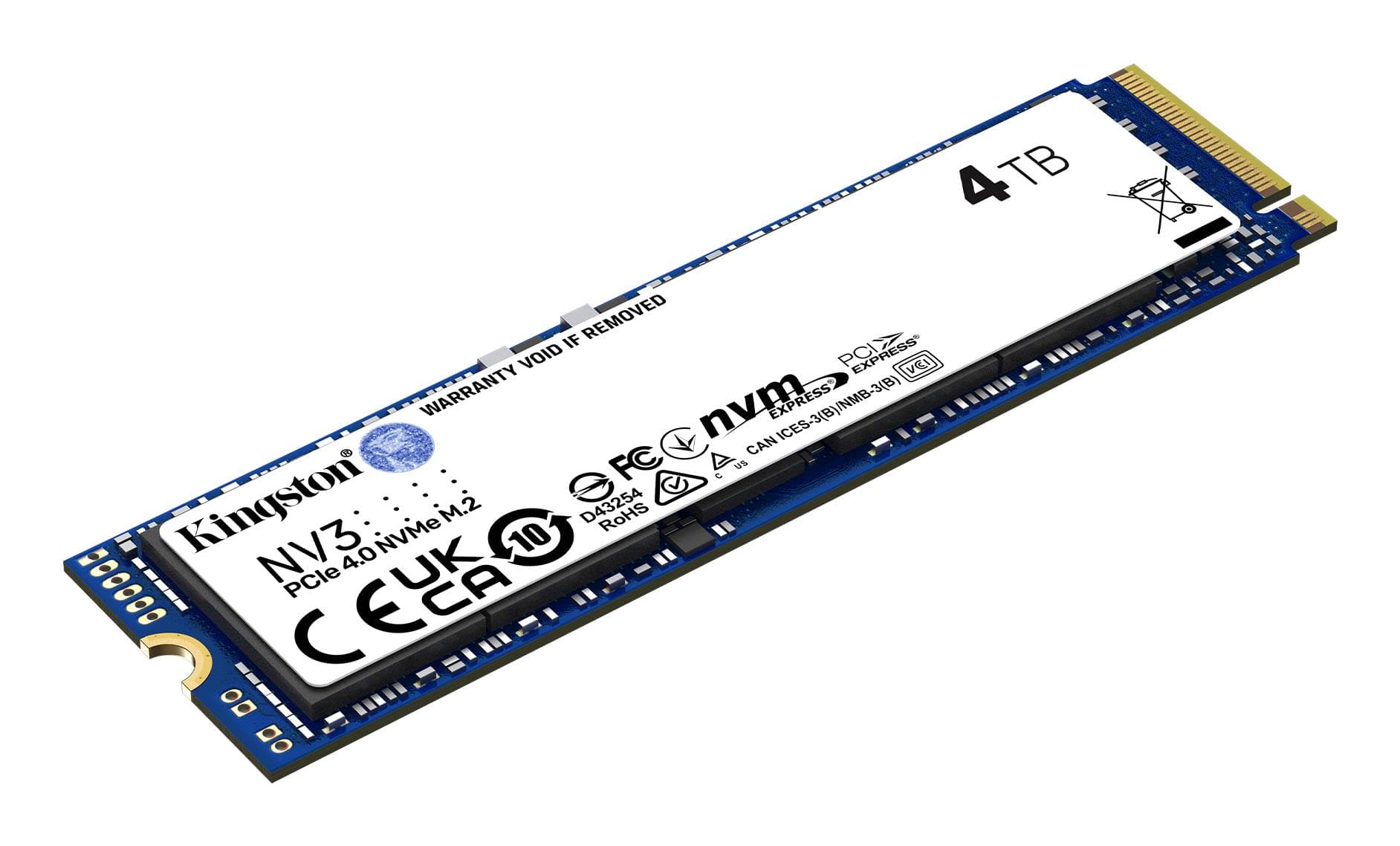
KingstonNew
Kingston NV3 M.2 NVMe SSD, 4 TB, PCIe 4.0
€734In stock

SamsungNew
Samsung 9100 PRO M.2 NVMe SSD, 2 TB, PCIe 5.0, with heatsink
€641In stock
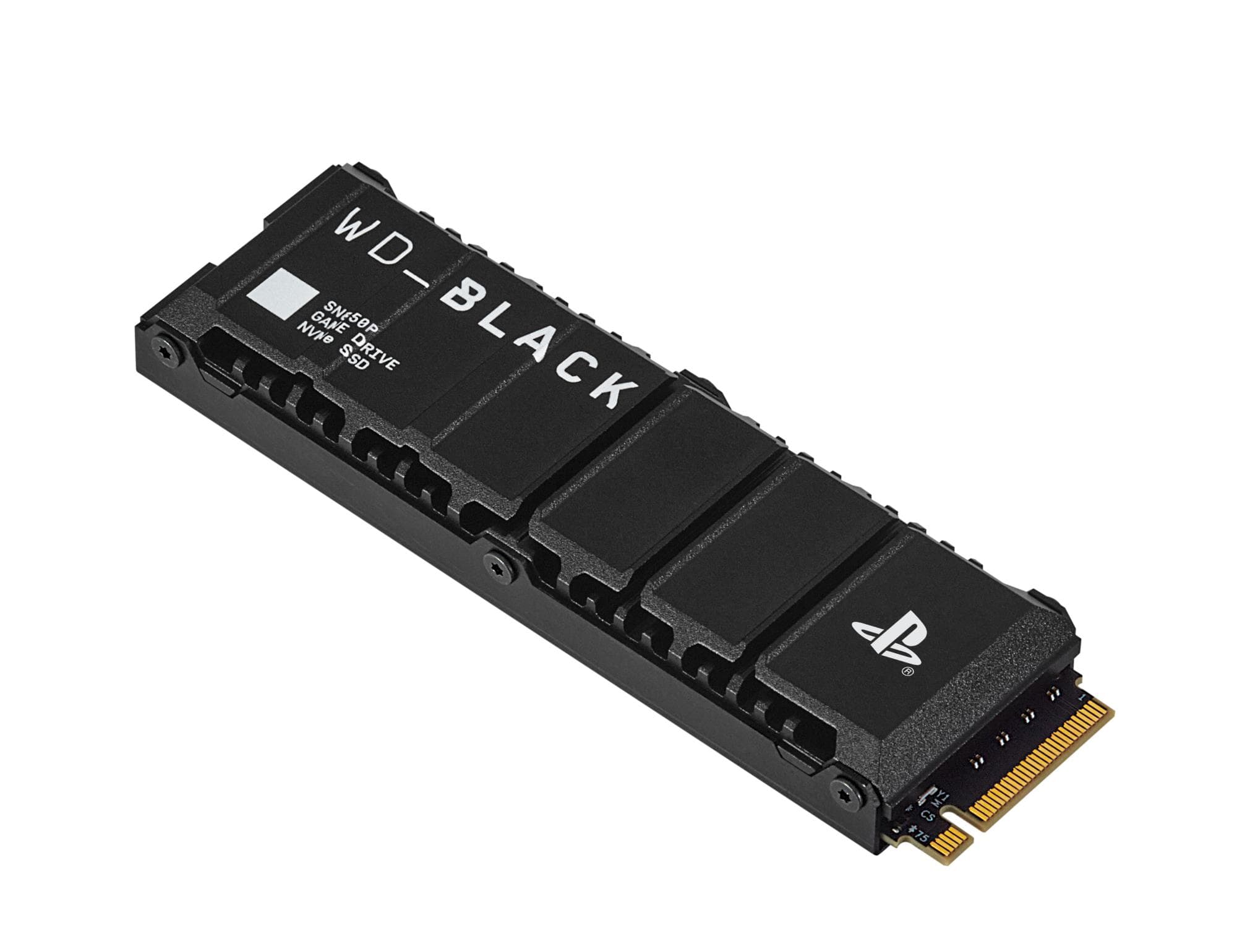
SanDiskNew
SanDisk WD_BLACK SN850P M.2 NVMe SSD for PS5, 2 TB, with heatsink
€575In stock
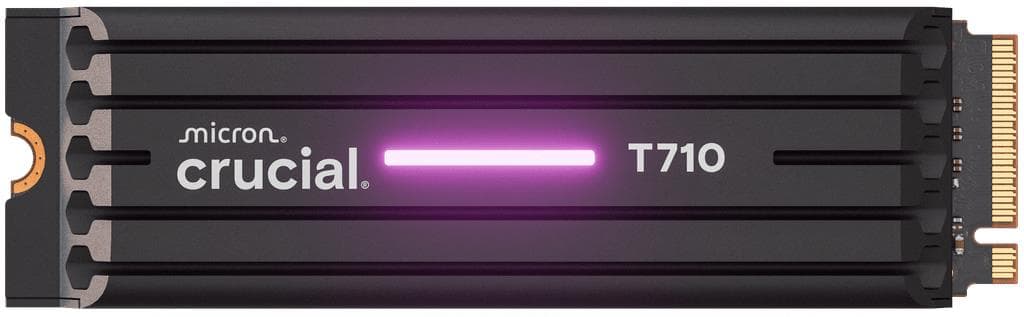
CrucialNew
Crucial T710 M.2 NVMe SSD, 2 TB, PCIe 5.0, with heatsink
€464In stock

ADATANew
ADATA LEGEND 710 M.2 NVMe SSD, 2 TB, PCIe 3.0
€437In stock
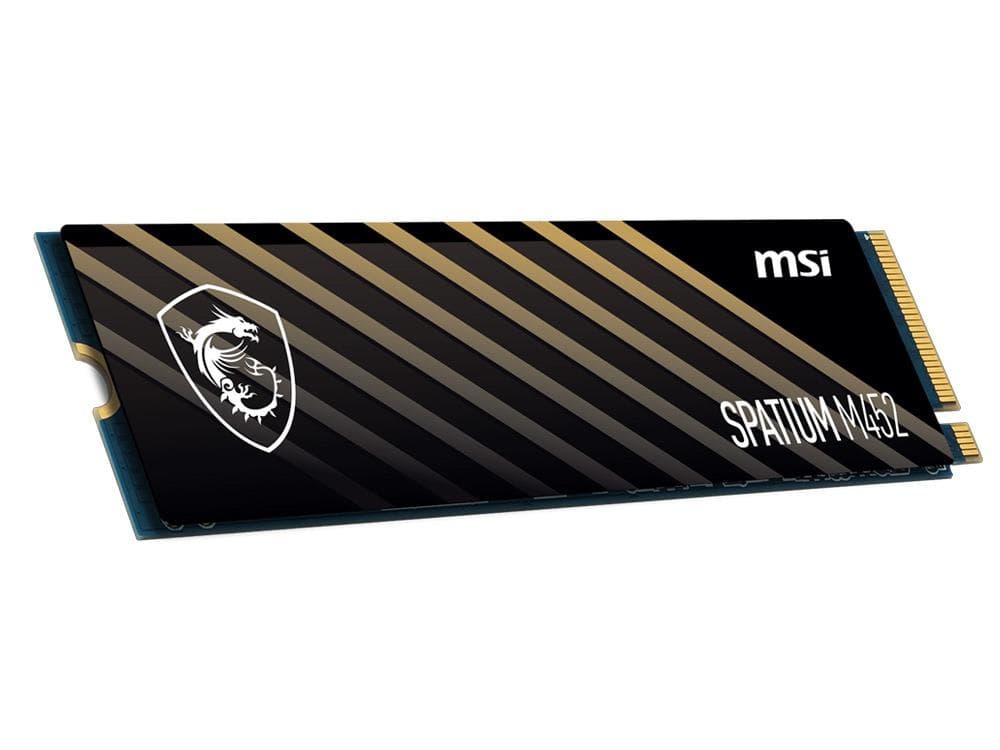
MSI
MSI SPATIUM M452 500GB NVMe SSD PCIe 4.0 — fast storage
€126In stock

GOODRAM
GOODRAM PX500 1TB NVMe SSD – fast storage at a
€212In stock

Samsung
Samsung 990 PRO 4TB NVMe SSD PCIe Gen5
€1,209In stock
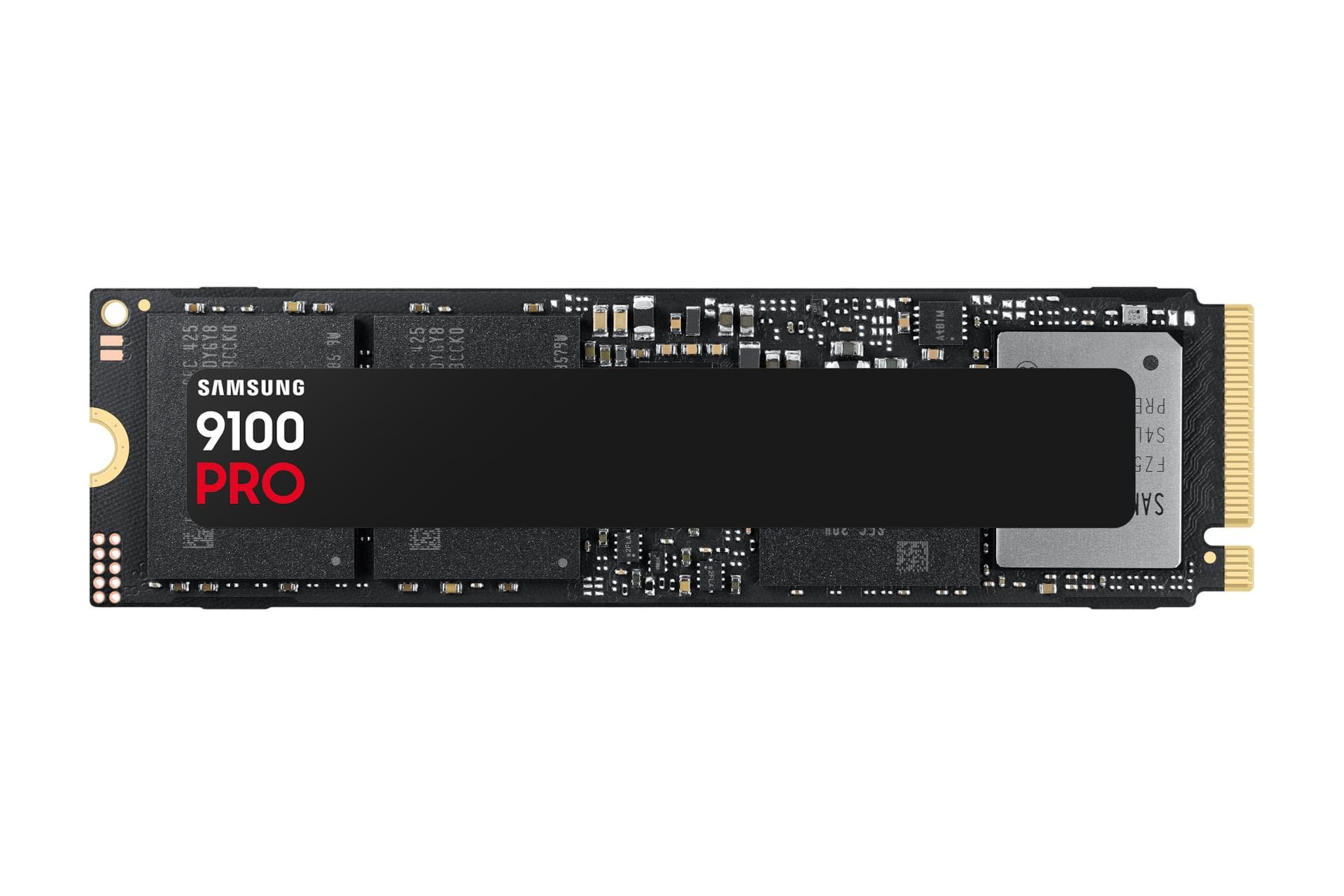
Samsung
Samsung 990 PRO 4TB NVMe SSD PCIe Gen5
€1,175In stock
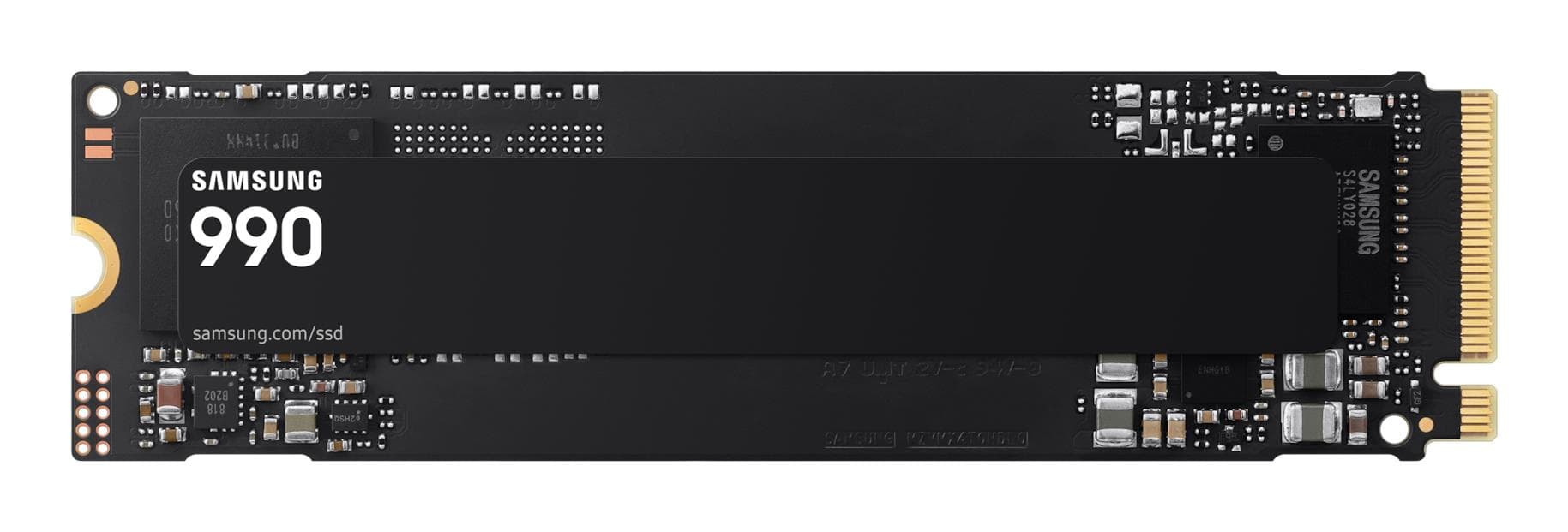
Samsung
Samsung 1TB M.2 NVMe SSD PCIe 4.0 – Fast Storage
€212In stock

SanDisk
SanDisk 600x 1000GB NVMe SSD PCIe 4.0 – Fast Storage
€272In stock
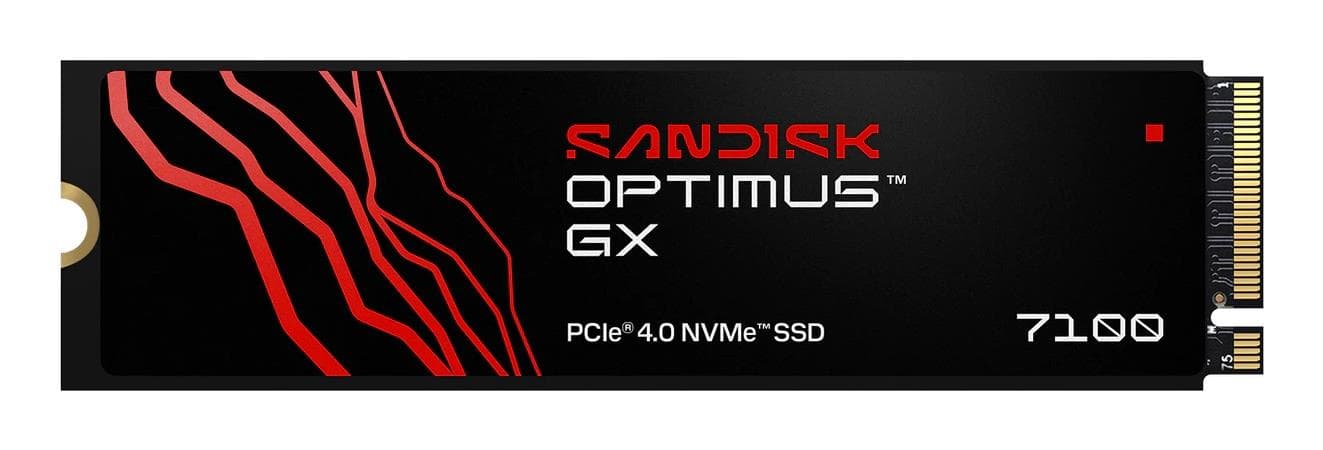
SanDisk
SandDisk 600x 1TB NVMe SSD PCIe 4.0 fast storage
€297In stock
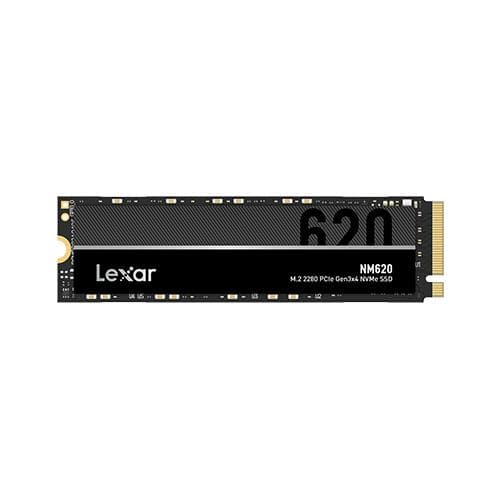
Lexar
Lexar NM620 2TB M.2 NVMe SSD PCIe 4.0 – Fast Storage
€401In stock

Samsung
Samsung 990 EVO Plus 1TB NVMe SSD PCIe Gen4
€262In stock

SanDisk
SanDisk 600x 1TB NVMe SSD PCIe 4.0 – Fast Storage
€349In stock
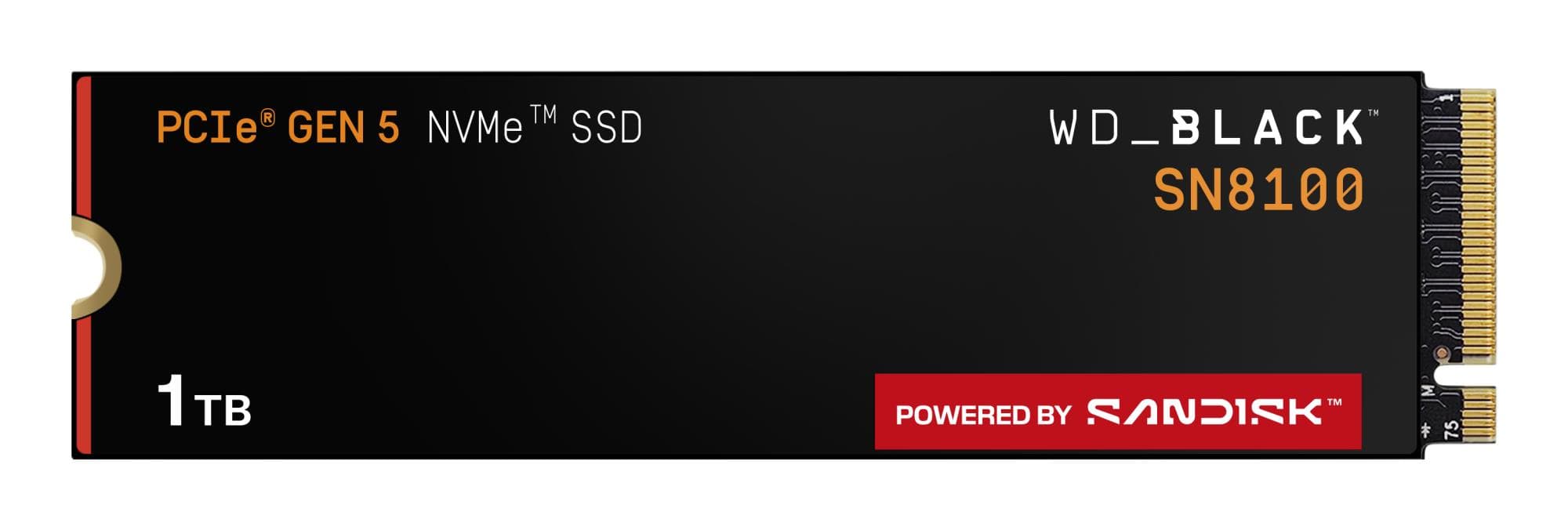
SanDisk
SanDisk SN8100 1TB NVMe SSD PCIe 5.0
€356In stock

SanDisk
SandDisk 600x 1TB NVMe SSD PCIe 4.0 – Fast Storage
€375In stock
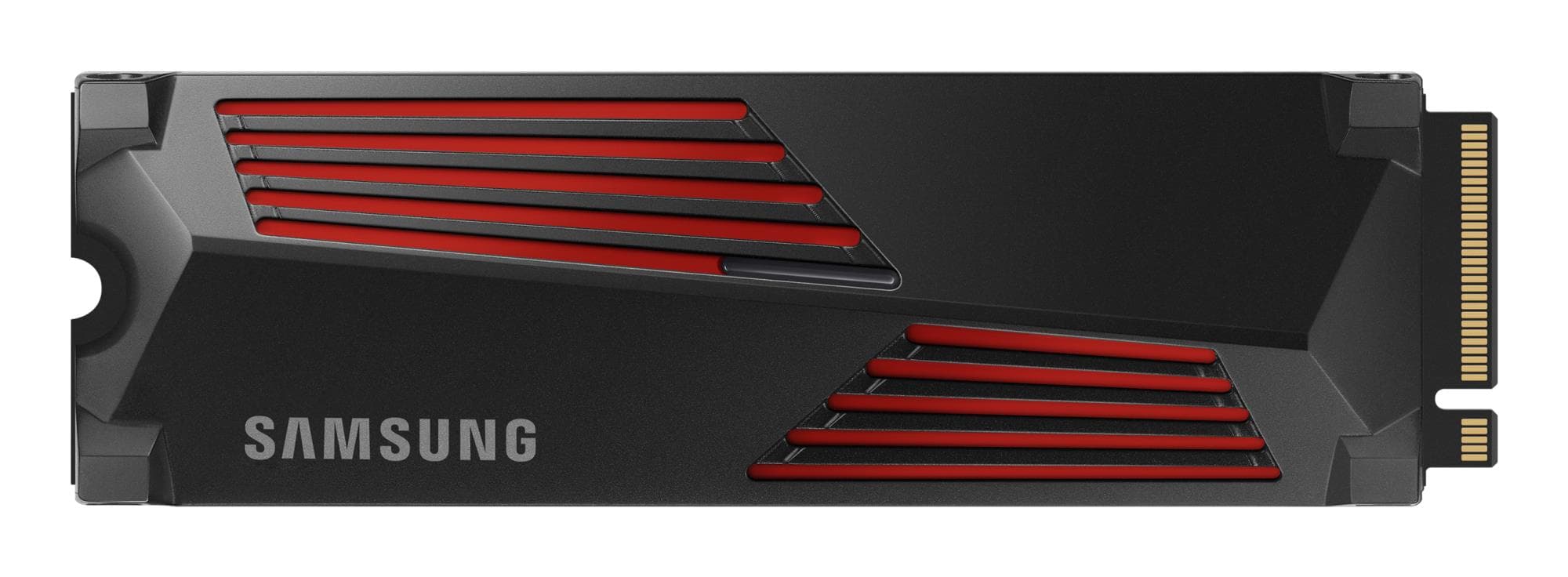
Samsung
Samsung 990 PRO 1TB NVMe SSD PCIe 4.0 – High-Speed Storage
€307In stock
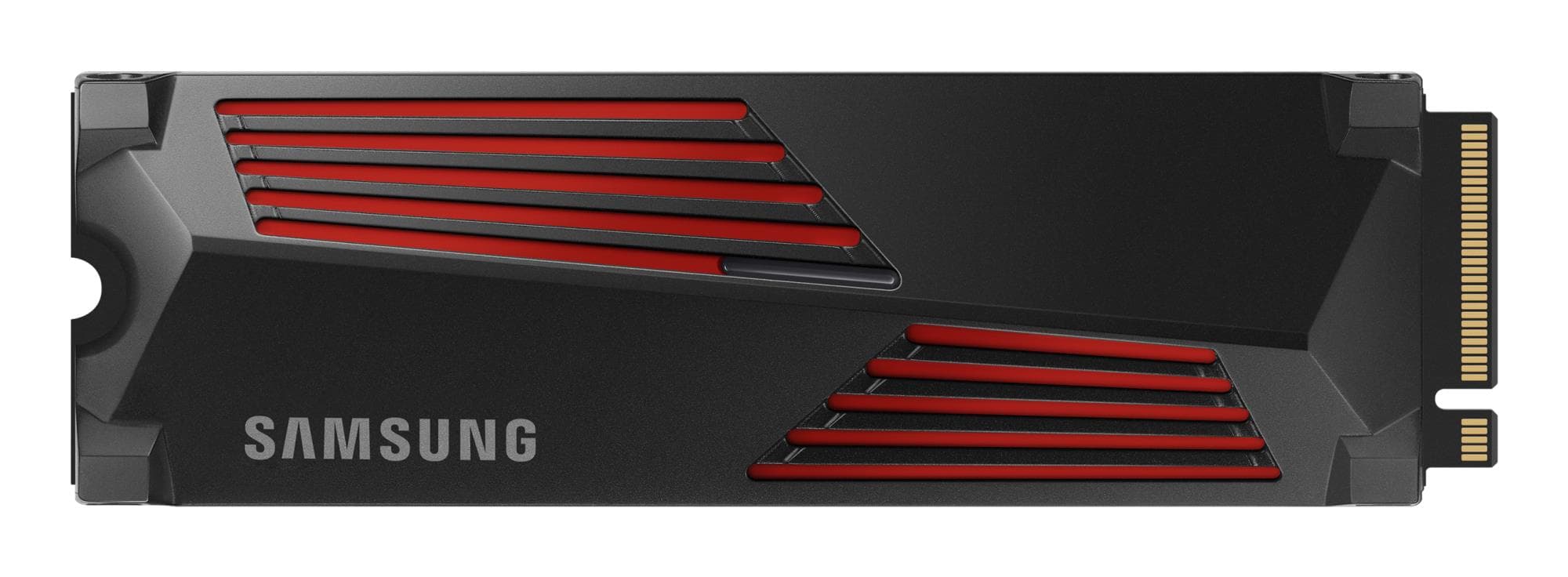
Samsung
Samsung 990 PRO 1TB NVMe SSD – High-Speed Storage
€307In stock
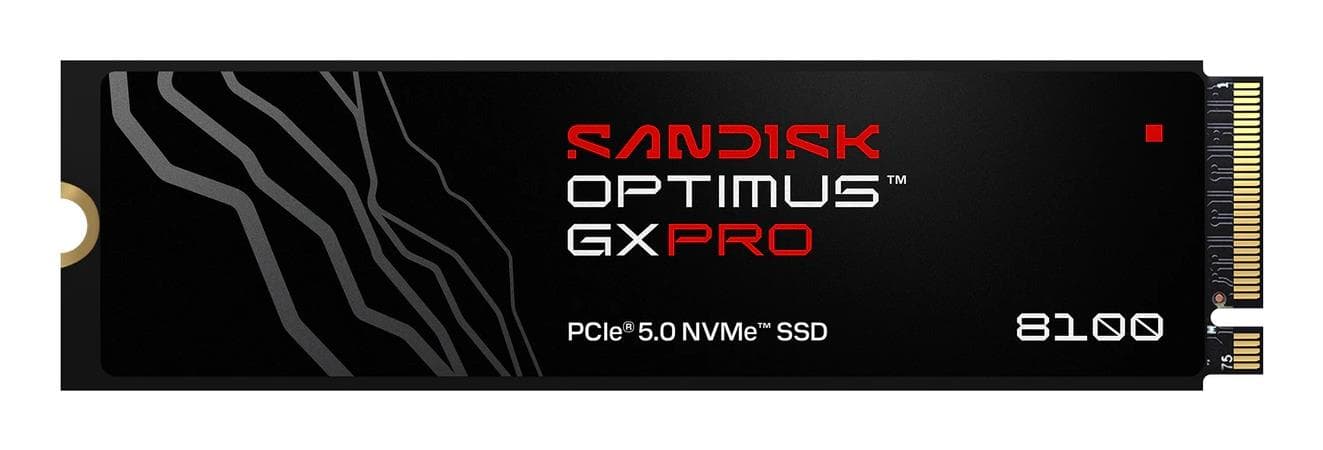
SanDisk
Sandisk 600X 1000GB NVMe SSD PCIe 5.0
€388In stock
SanDisk
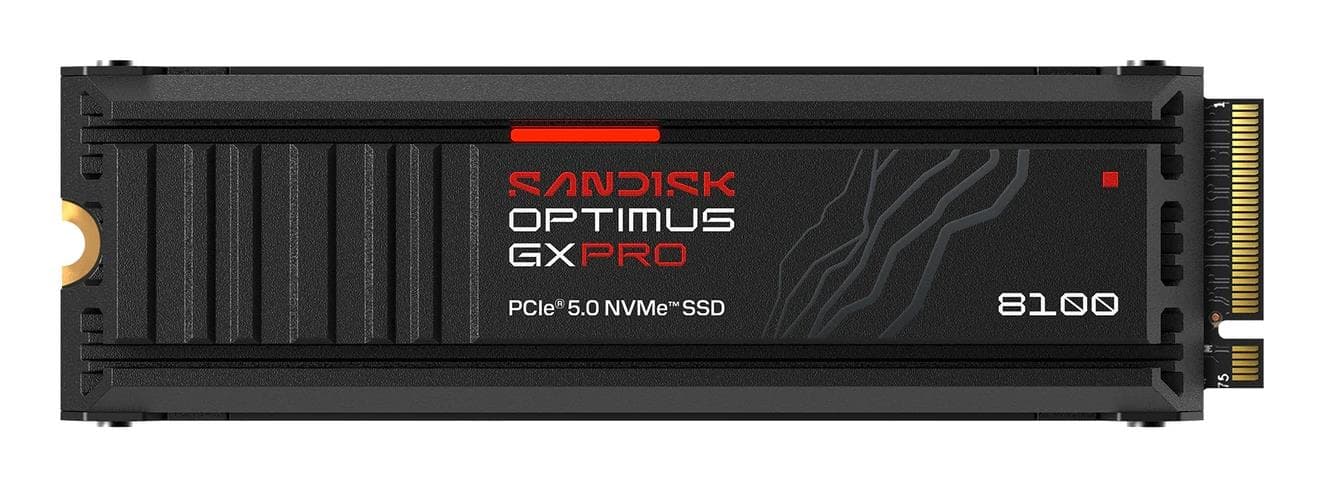
SanDisk 600X 1TB NVMe SSD PCIe 5.0 – Fast Storage
€413In stock

Samsung
Samsung 990 PRO 1TB NVMe SSD PCIe Gen5 – Fast Storage
€326In stock

SanDisk
Sandisk 2TB NVMe SSD PCIe 4.0 M.2 – Fast Storage
€582In stock

SanDisk
SanDisk 2TB NVMe SSD PCIe 4.0 M.2 – High-Speed Storage
€685In stock

SanDisk
SanDisk 2TB NVMe SSD PCIe 5.0 M.2 – Fast storage
€710In stock

Samsung
Samsung 990 PRO 2TB NVMe SSD – PCIe 4.0 high speed
€605In stock
Micron
Micron 5400 Pro 960GB M.2 SSD SATA
€840In stock

Samsung
Samsung 990 PRO 4TB NVMe SSD PCIe Gen4
€985In stock

Micron
Micron 7450 PRO 1.92TB NVMe SSD – fast storage
€2,169In stock

Samsung
Samsung 990 PRO 8TB NVMe SSD – PCIe 5.0 high-speed storage
€2,393In stock

Samsung
Samsung 990 PRO 8TB NVMe SSD — PCIe 5.0 speed
€2,349In stock
How to choose an M.2 SSD
An NVMe SSD is the fastest way to speed up your PC — quick boot, apps and file copying.
- Interface. PCIe 4.0 and 5.0 are the fastest; check your motherboard support.
- Capacity. 1 TB is comfortable, 2 TB for games and video.
- Speed. Higher read and write speeds accelerate work and game loading.
- Compatibility. Check the M.2 slot length (usually 2280).
Popular brands
Samsung, Kingston and WD offer fast, reliable NVMe SSDs.
Related categories
See also external SSDs, internal HDDs and RAM.
Frequently asked questions
PCIe 4.0 or 5.0? 4.0 suits most; 5.0 gives maximum speed if your board supports it.
What capacity should I pick? 1 TB for everyday use, 2 TB for games and creative work.